
AI Customer Support Automation That Holds Up
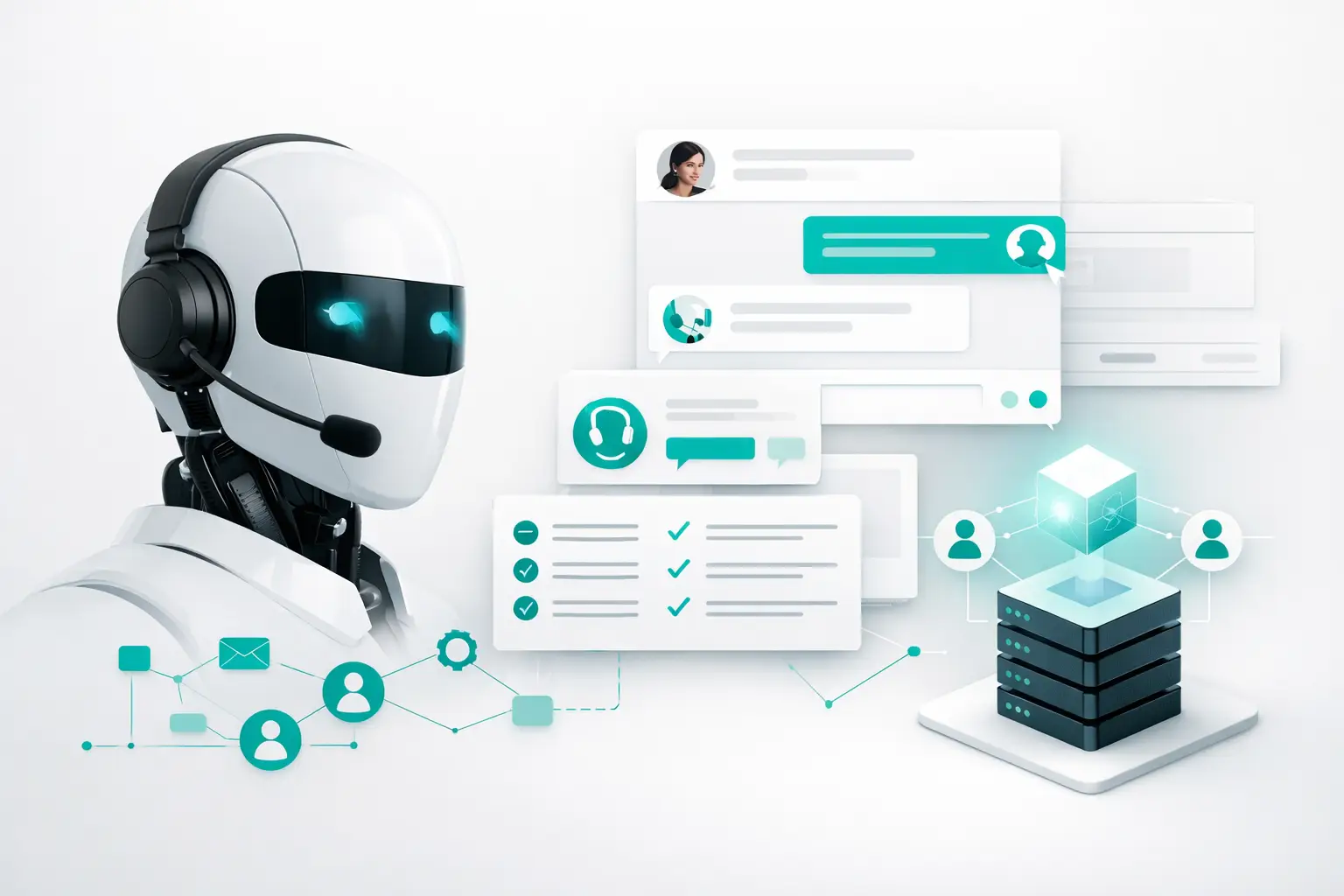
Support volume usually does not break at the model layer. It breaks in the handoff, the routing logic, the CRM update that never lands, or the SMS follow-up that fires without context. That is why ai customer support automation is not just a bot problem. It is an operations problem.
For teams handling real call volume, the question is not whether AI can answer common questions. It can. The real question is whether the system around the AI can run reliably across voice, SMS, chat, email, and human escalation without creating more cleanup work than it removes. If that layer is missing, even a strong voice or chat agent becomes another isolated tool.
What ai customer support automation actually includes
A lot of teams still evaluate automation as if the assistant itself is the product. In production, that view is too narrow. Customer support automation includes the agent, but it also includes intake rules, identity and context capture, routing decisions, escalation logic, CRM synchronization, channel switching, reporting, and compliance controls.
Take a basic support interaction. A customer calls about a missed appointment. The AI answers, verifies who they are, checks the account context, offers the next available window, updates the record, sends a confirmation text, and routes to a human if the customer disputes a charge or asks for an exception. That flow spans telephony, business logic, data systems, and workforce availability. If any one piece fails, the customer does not care that the voice model sounded natural.
This is where many deployments stall. Teams buy an AI agent, connect a phone number, and assume the rest is configuration detail. Then they find out their support operation depends on dozens of conditional steps that were previously carried by experienced reps and tribal knowledge.
Why support automation fails in production
Most failures come from fragmentation, not ambition. One vendor handles the AI voice layer. Another handles carrier traffic. A CRM stores customer context. A separate tool sends SMS updates. Reporting sits somewhere else. Human agents work in another queue. Every handoff introduces latency, duplicate records, or decision gaps.
The result is familiar. Customers repeat themselves. Escalations arrive without notes. Supervisors cannot see whether resolution rates dropped because of routing, transcript quality, or carrier issues. Ops teams end up managing support through screenshots and manual audits.
That is why infrastructure matters more than demo quality. A polished agent can answer FAQs. It cannot, by itself, coordinate fallback paths, preserve conversation context across channels, or maintain consistent reporting from first contact to resolution.
The right use cases for AI customer support automation
Not every support workflow should be automated to the same degree. High-volume, rules-based interactions are the obvious starting point. Appointment confirmations, order status, billing reminders, service-window updates, intake triage, policy questions, and simple account actions usually map well to AI.
More sensitive workflows need tighter controls. Cancellation requests, complaints, disputed charges, exception handling, and emotionally charged service issues often benefit from AI-led intake followed by fast human takeover. Automation still helps here, but the value comes from shortening time to the right rep, not forcing full self-service.
This is an important distinction. Good support automation does not try to eliminate humans from every path. It removes repetitive load, captures structured context, and makes handoff cleaner. For most operators, that creates more value than chasing full automation rates at any cost.
What a workable system looks like
A workable system starts with channel awareness. Customers do not stay in one lane. They call, miss a callback, reply by text, then expect the agent to know what happened before. If your automation treats each channel as a separate interaction, support quality drops fast.
The next requirement is routing discipline. The system needs to understand intent, urgency, business hours, language preference, account status, and whether the issue should stay with AI or move to a person. That logic has to be configurable by operations, not buried in custom code every time a queue changes.
CRM sync is equally non-negotiable. Support automation should write back outcomes, dispositions, transcript summaries, and next steps in the system your team already uses. If reps still need to re-enter what the AI already collected, your automation is shifting labor, not reducing it.
Then there is reporting. Operators need to see containment rate, transfer reasons, first-contact resolution, average handle time, channel conversion, and failure points by workflow. Without that level of visibility, teams cannot improve performance. They can only guess.
AI customer support automation needs human handoff by design
The handoff is where trust is won or lost. If a customer asks for a supervisor, reports a service failure, or reaches a policy edge case, the system should move them quickly with full context intact. That means transcripts, intent classification, customer metadata, and prior interaction history should travel with the escalation.
Too many setups treat handoff as a dead end. The AI exits, the human starts from zero, and the customer repeats the issue. That is not automation. It is deflection followed by friction.
The better model is cooperative. AI handles intake, verification, repetitive tasks, and post-call follow-up. Humans handle judgment calls, exceptions, retention moments, and sensitive interactions. This structure tends to produce better CSAT than forcing one side to do the other side's job.
The infrastructure question most teams miss
When teams say they want AI support, they often mean they want an agent. What they usually need is orchestration.
That includes carrier reliability, number management, queue logic, fallback routing, campaign controls, channel sequencing, and integrations that survive change. If you swap CRMs, add a new voice provider, or expand from inbound support to outbound follow-up, the operation should not need a rebuild.
This is where an infrastructure layer earns its keep. Platforms like VoiceUni are built for teams that already have pieces of the stack in place but need those pieces to operate as one system across voice, SMS, email, chat, WhatsApp, and human workflows. That matters more in support than in demos, because real support traffic exposes every weak connection.
How to evaluate a platform without getting distracted
Start with one question: can this system run the workflow you already have, not the workflow in the sales demo? Ask how it handles after-hours support, multilingual routing, CRM write-back, callback sequencing, supervisor escalation, and failover when a carrier or provider has issues.
Then look at change management. Your support operation will not stay fixed. Queues change. SLAs shift. New products create new intents. A useful platform lets ops teams update routing and workflow rules without relying on engineers for every adjustment.
Finally, examine observability. If automation underperforms, can you isolate whether the issue is prompt design, contact data, call delivery, channel timing, or escalation logic? If the answer is no, troubleshooting becomes political instead of operational.
Implementation should be narrower than your ambition
The fastest way to stall a rollout is trying to automate every support path at once. A better approach is to start with one or two high-volume workflows where outcomes are measurable and failure risk is manageable. Missed appointments, inbound triage, billing questions, and service confirmations are common starting points.
From there, tighten the loop. Review transcripts. Measure transfer reasons. Check whether CRM updates are landing correctly. Watch what customers do after an AI interaction. If they call back within an hour, something in the flow likely failed even if the call was technically contained.
The goal is not to prove that AI can talk. The goal is to prove that your support system can resolve more issues with less operational drag.
The trade-off operators should make consciously
There is always a tension between containment and customer experience. Push too hard on automation rate, and you create brittle experiences that save labor in one place while increasing churn, callbacks, or escalations elsewhere. Route too quickly to humans, and you leave efficiency gains on the table.
The right balance depends on issue type, customer expectations, and service economics. A home services company may prioritize speed to scheduling. An insurance team may care more about accurate intake and documentation. A real estate operation may need AI to qualify and route, but keep white-glove treatment for active prospects and clients.
That is why ai customer support automation should be judged as an operating system, not a novelty. The winning setups are not the ones with the flashiest voice. They are the ones that route correctly, preserve context, update systems of record, and give managers enough visibility to improve the process every week.
If your support team is already feeling the pain of fragmented tools, the next gain will not come from adding another isolated bot. It will come from building the layer that makes every conversation operationally usable.
More from the VoiceUni Blog.

What Drives Solar Appointment Booking Results
A solar operator booking 150-plus appointments in a single week is not winning because it found a magic script. It is winning because its lead response, qualification, routing, follow-up, and reporting are operating as one system. Solar appointment booking results are usually decided in the handoffs between those st...

AI Phone Number Reputation Guide for Call Teams
A campaign can have clean data, a capable AI voice agent, and a well-built follow-up sequence, yet still underperform for one basic reason: the originating phone number has lost trust. This AI phone number reputation guide is for operators who need to protect answer rates before poor number health turns into a pipel...

AI Contact Center Software Review for Operators
An AI contact center software review should start where most evaluations fail: the live workflow, not the demo. A voice agent that can hold a convincing conversation is only one component. Revenue operations still need the right lead data, approved contact rules, routing logic, carrier capacity, CRM updates, human e...
Get new posts by email.
One email a month, no spam, unsubscribe anytime.