
How to Sync CRM Call Outcomes Without Data Gaps
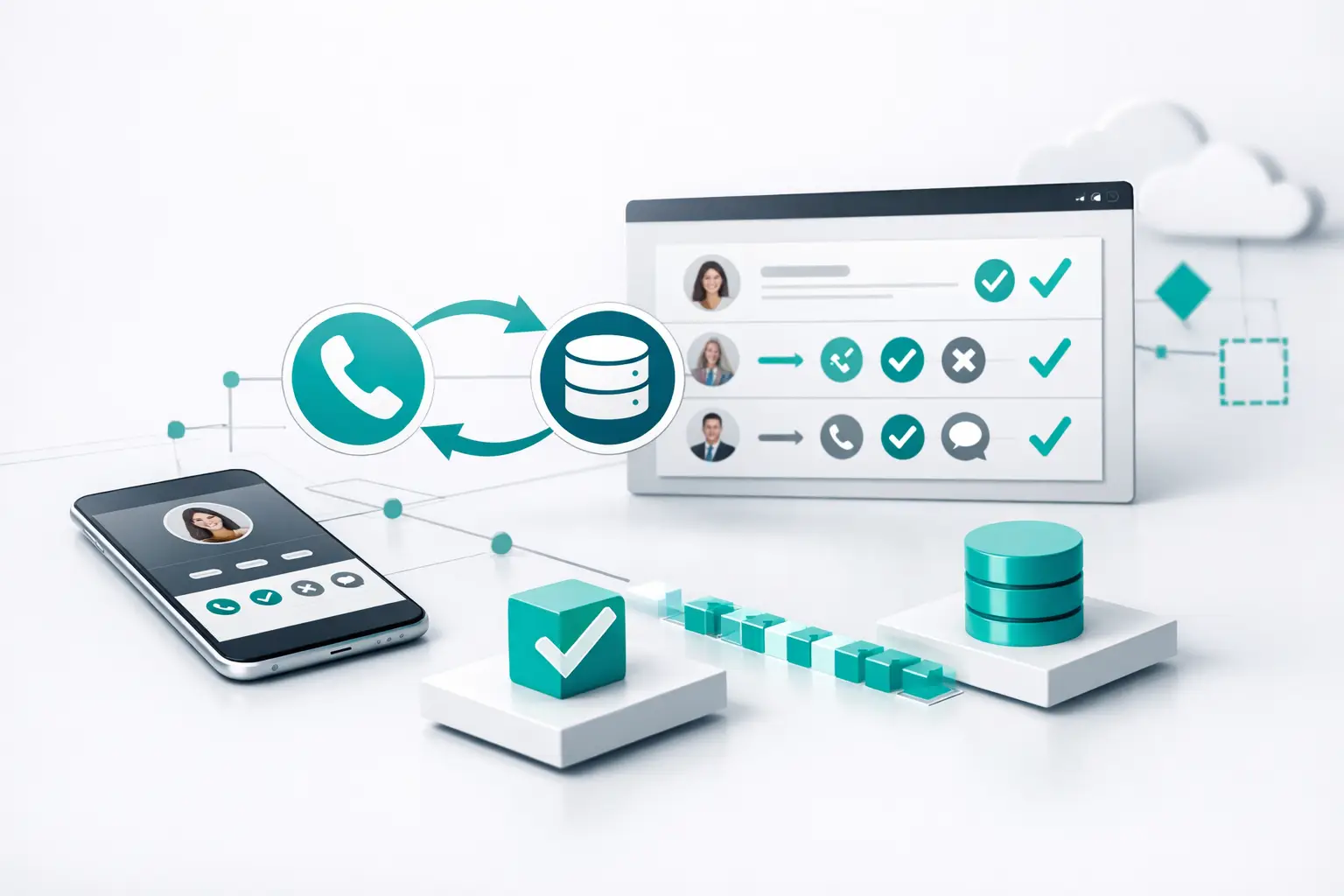
A call that ends with “appointment booked” but leaves the CRM marked as “attempted” is not a minor data problem. It creates a broken follow-up path, inaccurate pipeline reporting, and a bad customer experience when the next rep calls with no context. Knowing how to sync CRM call outcomes means building an operational handoff between the phone system, AI agent, routing logic, and the CRM record your team actually uses.
For teams running high call volume, the goal is not simply to push a disposition into a contact field. The goal is to make every completed conversation update the right record, trigger the right next action, and give managers a reliable view of performance.
Start With a Call Outcome Model, Not an Integration
Most CRM sync failures begin before any API call is made. Teams use vague or overlapping outcomes such as “interested,” “follow-up,” and “qualified,” then expect automation to decide what happens next. It cannot. A disposition only becomes useful when it has a precise operational meaning.
Build a limited, mutually understood outcome model for each campaign or call type. An inbound support call and an outbound lead qualification call should not share the same disposition taxonomy just because they both end in a CRM activity log.
For a lead qualification workflow, the core model might distinguish between connected and qualified, connected but not qualified, appointment booked, requested callback, no answer, voicemail left, wrong number, and opt-out or do-not-contact request. Each outcome needs a defined owner, a next action, and a reporting category.
“Appointment booked” should create or update the appointment record, set the lead stage, assign the appropriate owner, and stop competing follow-up sequences. “Requested callback” should create a task with a specific due time, preserve the call context, and keep the lead in the correct nurture path. “No answer” should not advance the lifecycle stage at all, but it may increment an attempt count and schedule the next permitted outreach step.
This is where teams often overcomplicate the build. You do not need 40 dispositions to capture every conversational nuance. You need enough outcomes to drive action without making agents, AI systems, or managers choose between nearly identical labels.
Map the Outcome to the Right CRM Objects
A CRM is not one record. Depending on the platform and workflow, a completed call may need to update a contact, lead, deal, opportunity, ticket, appointment, campaign member, or custom object. Sending every outcome to the contact record is easy. It is also how pipeline data becomes detached from the call that changed it.
Define the primary object for each workflow before configuring field mapping. For example, an insurance agency qualifying a new quote request may update the lead and create a task for a licensed producer. A home services team confirming a booked estimate may update the contact, opportunity, and scheduled appointment. A support operation may attach the outcome to a ticket while adding a customer interaction to the account timeline.
The matching logic matters just as much as the destination. Use stable identifiers whenever possible: CRM record ID, external lead ID, campaign ID, and call ID. Phone number matching is necessary in many calling workflows, but it should not be the only method when duplicates, household records, recycled numbers, or shared business lines exist.
A reliable sync should preserve the source call ID on the CRM activity or custom record. That gives operations teams a direct audit trail when a manager asks why an outcome changed, why a sequence stopped, or why a record was reassigned.
Keep lifecycle fields separate from call activity
A common mistake is allowing every call disposition to overwrite a lead’s lifecycle stage. A single failed call does not make a prospect cold. A positive conversation does not always make them sales-qualified. Lifecycle stages represent commercial status; call outcomes represent what happened in a specific interaction.
Keep both. Log the event-level result in call activity fields, then use controlled rules to update lifecycle stages only when the outcome meets defined criteria. This prevents a busy dialing campaign from corrupting pipeline reporting.
How to Sync CRM Call Outcomes in Real Time
The strongest architecture is event-driven. When a call is completed, the telephony or AI voice layer sends a structured call-completed event. The orchestration layer validates it, matches the CRM record, writes the outcome, and triggers downstream actions.
Do not rely solely on nightly exports or manual spreadsheet uploads for active sales and service operations. Batch syncs have a place for historical reconciliation, but they are too slow for a callback promised in 15 minutes or an appointment that should immediately remove a lead from an active dialing queue.
The event payload should include more than a disposition label. At minimum, capture the call ID, contact or lead identifier, campaign identifier, start and end time, duration, direction, agent or AI agent identifier, final outcome, recording or transcript reference where applicable, summary, and the next-action timestamp.
The CRM update should then follow a predictable order. First, locate the correct record. Second, write the call activity and outcome. Third, update approved lead, deal, ticket, or appointment fields. Fourth, create the follow-up task or enroll the record in the next step of the workflow. Finally, return a success or failure status that can be monitored.
This sequence prevents a familiar operational failure: the task gets created but the call note does not save, leaving the assigned rep without the context needed to handle the follow-up.
Use idempotency to prevent duplicate updates
Call platforms can resend webhooks. Integrations can time out after the CRM has already processed the update. If the workflow treats every retry as a new event, your CRM can end up with duplicate activities, duplicate tasks, or multiple appointments.
Use the call ID as an idempotency key. Before creating a call activity or downstream action, check whether that call ID has already been processed for the same outcome version. If it has, update only when a legitimate post-call enrichment event arrives, such as a delayed AI summary or finalized recording status.
This is not an edge case. It is basic production hygiene for systems handling real call volume.
Make AI Outcomes Reviewable, Not Automatic by Default
AI voice agents can classify outcomes, extract appointment dates, summarize objections, and identify follow-up intent. That reduces manual work, especially when calls are short and repetitive. But automatic classification has trade-offs.
A simple outcome such as “no answer” is generally safe to automate. A nuanced outcome such as “qualified for a premium service package” may require confidence thresholds, business rules, or human review. The same applies to changes that affect revenue attribution, lead ownership, or customer status.
Use structured fields for the data that drives automation and keep AI summaries in a separate narrative field. A summary is useful for the next rep. It should not be the only evidence for why an opportunity moved stages.
Set clear exception rules. If the AI detects conflicting intent, a low-confidence classification, an ambiguous appointment time, or a transfer to a human team member, route the call for review or hold the workflow at a neutral status. The right design is not maximum automation. It is automation that fails safely.
Test the Full Follow-Up Path
A successful CRM API response does not prove the sync works. Test the downstream operating result from end to end.
Run controlled calls through each meaningful outcome and verify that the right record updates, the correct owner is notified, the right sequence pauses or continues, and reporting reflects the event only once. Test calls that transfer from AI to human agents, calls that disconnect early, duplicate lead records, calls with missing lead IDs, and events that arrive out of order.
Pay close attention to timestamps and time zones. A callback scheduled for 2:00 PM must reach the rep’s task queue as 2:00 PM in the correct local context, not as a timestamp that shifts when a record moves between systems.
Monitor exceptions as an operational queue, not an occasional engineering task. Every unmatched call, failed CRM write, invalid disposition, and duplicate event should be visible with a reason code and a retry path. This is where an orchestration layer earns its place. VoiceUni, for example, coordinates calling workflows, CRM updates, routing, and follow-up sequences without forcing teams to maintain a chain of fragile point-to-point integrations.
Measure the Quality of the Sync
Once the workflow is live, measure more than total calls and total dispositions. Track match rate, CRM write success rate, time from call completion to CRM update, duplicate activity rate, disposition override rate, and the percentage of outcomes that produced the intended next action.
A high call volume can hide a weak sync. If 98% of calls log successfully but 15% of booked appointments fail to stop the nurture sequence, your team is still creating avoidable friction at the moment a lead is ready to buy.
Treat call outcomes as operational commands, not notes. When the outcome model is clear, object mapping is deliberate, and exceptions are visible, every conversation can move the customer record forward with the same discipline as the rest of your revenue operation.
More from the VoiceUni Blog.

What Drives Solar Appointment Booking Results
A solar operator booking 150-plus appointments in a single week is not winning because it found a magic script. It is winning because its lead response, qualification, routing, follow-up, and reporting are operating as one system. Solar appointment booking results are usually decided in the handoffs between those st...

AI Phone Number Reputation Guide for Call Teams
A campaign can have clean data, a capable AI voice agent, and a well-built follow-up sequence, yet still underperform for one basic reason: the originating phone number has lost trust. This AI phone number reputation guide is for operators who need to protect answer rates before poor number health turns into a pipel...

AI Contact Center Software Review for Operators
An AI contact center software review should start where most evaluations fail: the live workflow, not the demo. A voice agent that can hold a convincing conversation is only one component. Revenue operations still need the right lead data, approved contact rules, routing logic, carrier capacity, CRM updates, human e...
Get new posts by email.
One email a month, no spam, unsubscribe anytime.