
HubSpot AI Calling Integration That Actually Works
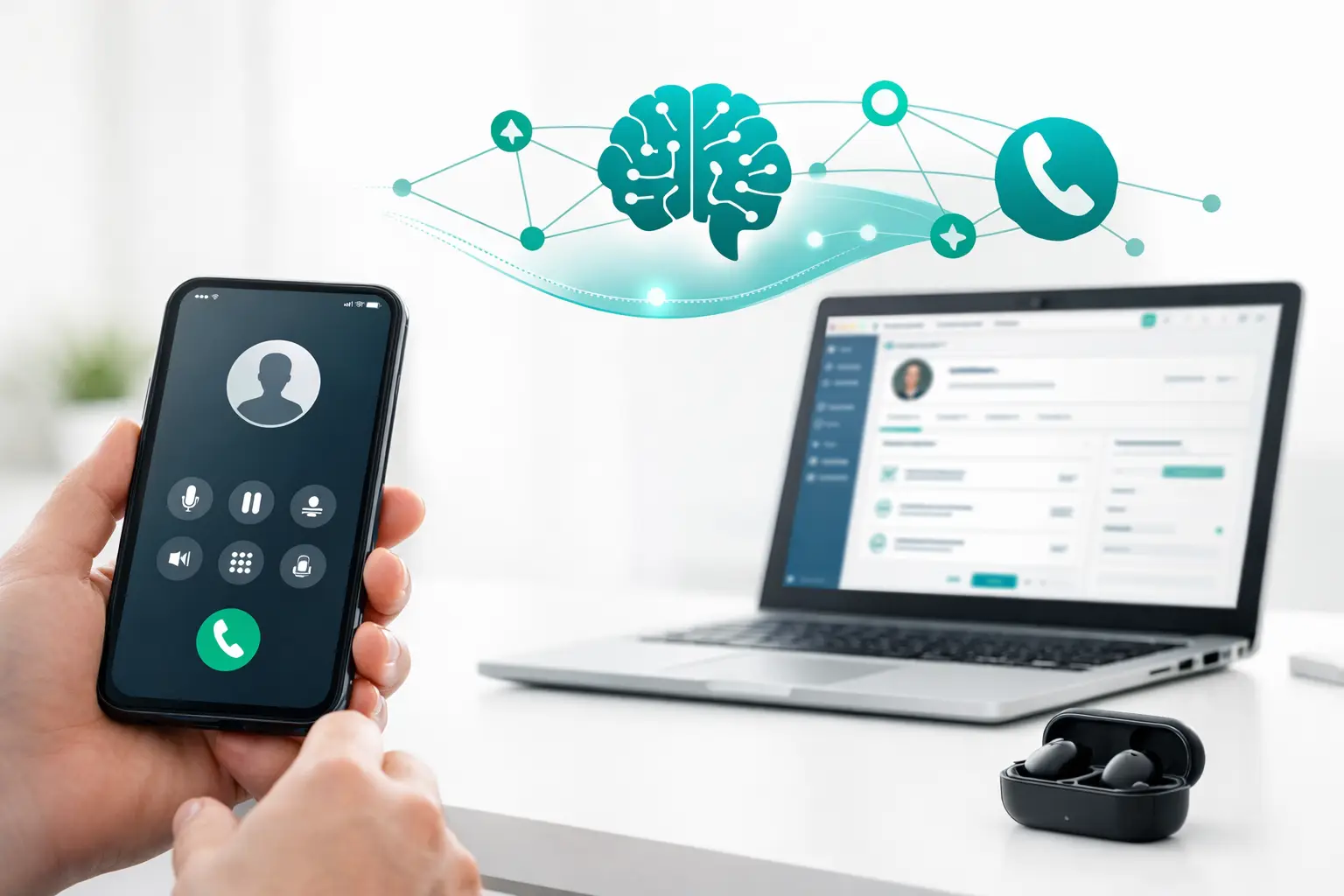
Most teams do not fail at AI calling because the voice model is weak. They fail because the HubSpot AI calling integration stops at basic logging while the real work lives in routing, retries, ownership rules, consent handling, and handoff logic.
If you are running revenue or service operations through HubSpot, that gap shows up fast. A lead replies by SMS instead of answering the phone. An AI agent books a meeting but the record owner never gets updated. A transfer to a human rep loses context. Reporting tells you calls happened, but not which campaigns, scripts, carriers, or workflows actually produced revenue. That is where a simple integration stops being useful.
What a HubSpot AI calling integration should actually do
At a minimum, the integration should sync contact and company data, create or update records, log call outcomes, and trigger follow-up workflows. That is table stakes. For production teams, the real requirement is operational control.
A workable system has to decide who gets called, when they get called, from which number, with which AI agent, under which campaign rules, and what happens when the call is unanswered, transferred, qualified, or disqualified. It also has to keep HubSpot as a clean source of truth rather than turning it into a dumping ground of disconnected activities.
That distinction matters most for teams in solar, insurance, home services, real estate, and agencies managing lead response at speed. In those environments, calling is not a one-off task inside a CRM. It is a live operation with pacing, routing, channel changes, and performance variability.
Why basic native setups break in production
Many teams start with a direct connector between an AI voice tool and HubSpot. That can be enough for a pilot. It is usually not enough for scale.
The first issue is workflow fragmentation. HubSpot may store the lead, the AI platform may run the conversation, the carrier handles telephony, another tool sends email or SMS, and reporting sits somewhere else entirely. When something breaks, nobody has one place to diagnose it.
The second issue is call logic. Native CRM integrations often treat calls as events, not systems. They log the outcome after the fact but do not manage campaign sequencing, retry windows, queue assignment, call routing, number pools, or fallback behavior with much depth.
The third issue is data cleanliness. If every attempt, transcript, disposition, and transfer event lands in HubSpot without structure, reps lose visibility instead of gaining it. Good integration design is not about pushing more data. It is about pushing the right data to the right object at the right moment.
The right architecture for HubSpot AI calling integration
For serious operators, the best setup usually looks like an orchestration layer between HubSpot and the rest of the calling stack. HubSpot remains the CRM and workflow engine for customer records, lifecycle stages, attribution, and downstream automation. The orchestration layer handles telephony, AI provider coordination, campaign execution, cross-channel sequencing, and operational controls.
This approach is less about adding another tool and more about separating system responsibilities. HubSpot should not be forced to act like a dialer, carrier manager, or call center router. Your AI voice platform should not be forced to become a CRM. And your telephony provider should not own campaign logic just because it carries the call.
That is why teams running AI voice agents in production increasingly move toward a BYO stack model. Keep HubSpot. Keep your preferred AI provider. Keep your carrier and numbers if they are already working. Then connect them through infrastructure designed to manage the workflows between them.
What to map before implementation
A HubSpot AI calling integration works well only when the object model and call flows are defined upfront. If you skip that step, you get activity noise instead of operational clarity.
Start with ownership. Decide whether calls should route by contact owner, by territory, by queue, or by campaign. Then define which outcomes matter inside HubSpot. A booked appointment, qualified lead, callback requested, bad number, and human transfer are not just labels. They should trigger distinct CRM actions.
Next, define timing and escalation logic. If an AI call is missed, should the contact enter an SMS follow-up, an email sequence, a scheduled retry, or a rep task? If the AI agent detects high intent, should it hand off live, book directly, or create an urgent task for the account owner? These are operational decisions, not integration details.
You also need to decide where transcripts, summaries, recordings, and dispositions belong. Some should live as contact timeline events. Some belong in custom properties. Some should stay in reporting systems and only write key outcomes back to HubSpot. Not every data point deserves equal visibility in the CRM.
Headings that matter in a real deployment
HubSpot AI calling integration for inbound and outbound flows
Inbound and outbound calling should not be treated as mirror images. Inbound flows need fast routing, AI receptionist logic, qualification steps, and clean handoff paths to humans. Outbound flows need pacing controls, lead prioritization, retry management, and multi-touch sequencing across voice, SMS, and email.
If you run both through the same HubSpot AI calling integration, you need separate business rules even if they write back to the same CRM objects. Otherwise, your contact records become accurate but operationally useless.
HubSpot AI calling integration and reporting discipline
Reporting is where weak integrations usually get exposed. It is easy to count calls. It is harder to measure whether AI conversations improved speed-to-lead, appointment rate, transfer quality, contact rate by source, or conversion by campaign.
To get usable reporting, track operational events outside the CRM and sync revenue-relevant outputs into HubSpot. That keeps dashboards actionable. It also gives RevOps and call center leaders a clearer line between what the AI agent did, what the carrier delivered, and what sales or service teams closed.
Common implementation mistakes
The biggest mistake is treating the integration as a connector project instead of an operations design project. Teams ask whether HubSpot can connect to an AI caller, when the better question is how AI calling should behave across the full customer lifecycle.
Another mistake is overloading HubSpot workflows with telephony logic. HubSpot is strong at automation, but if it becomes the place where every retry, route, transfer rule, and number assignment is managed, maintenance gets brittle fast. CRM workflows should govern business state. Calling infrastructure should govern call execution.
The third mistake is ignoring failover and number health. If your AI agent performs well but answer rates fall because numbers degrade or carrier routing becomes unstable, the CRM will not save you. Reliable calling requires visibility into the telephony layer, not just the contact record.
What good looks like for operators
A solid deployment feels boring in the best way. Leads enter from forms, ads, list uploads, or referral sources and are assigned cleanly. The right AI voice agent picks up the right campaign with the right context. Calls log against the right HubSpot records. If the contact does not answer, the system shifts to the next approved step. If they engage, the conversation either resolves or hands off with context intact.
Managers can see more than volume. They can see where appointments came from, which AI workflows underperform, where handoffs fail, and whether routing logic needs adjustment. Reps do not waste time reconstructing conversations from disconnected tools. RevOps is not stuck maintaining custom glue every time a vendor changes an API.
That is the difference between an integration that demos well and one that supports actual production operations.
For teams already using HubSpot with Vapi, Retell, Twilio, or a mixed communications stack, this is where an infrastructure layer such as VoiceUni can make the model practical. It connects AI voice, telephony, CRM sync, campaign execution, routing, and multi-channel follow-up without forcing a rip-and-replace of the tools you already trust.
How to evaluate your current setup
Ask a simple question: if a high-intent lead calls, misses a callback, replies by text, gets transferred to a rep, and books an appointment, can your system track and manage that path cleanly without manual patchwork?
If the answer is no, your issue is probably not AI quality alone. It is architecture. HubSpot is part of the answer, but not the whole operating layer.
The teams getting real results from AI calling are not chasing novelty. They are building reliable call operations around their CRM. That usually means treating the HubSpot AI calling integration as infrastructure, not as a feature checkbox. Once you do that, AI stops being a side experiment and starts behaving like part of the business.
More from the VoiceUni Blog.
What Is AI Voice Orchestration?
A voice agent can sound impressive in a demo and still fail in production. The usual breakdown is not the model. It is the operating layer around it. That is where the question of what is AI voice orchestration starts to matter. Most teams already understand the agent side. They have a provider for speech and conver...

Best AI Receptionist Software for Real Ops
Most teams do not realize their receptionist stack is broken until calls start leaking revenue. A prospect calls after hours, the AI answers, but the lead never hits the CRM. A customer asks for billing, gets the wrong route, and hangs up. The best ai receptionist software is not the one with the most human-sounding...

What a Call Center Reporting Dashboard Should Do
If your team is running voice campaigns, inbound support, follow-up sequences, and AI-assisted conversations across multiple systems, reporting usually breaks first. The call center reporting dashboard becomes a patchwork of carrier logs, CRM fields, dialer metrics, and spreadsheets built to answer questions the sta...
Get new posts by email.
One email a month, no spam, unsubscribe anytime.