
AI Dialer Software Review for Revenue Teams

If your AI voice agent can talk but cannot route cleanly, log outcomes correctly, respect campaign logic, and recover when a carrier fails, you do not have an outbound system. You have a demo. That is the frame for any honest ai dialer software review.
Most teams shopping this category are not starting from zero. They already have pieces in place: a voice AI provider, a telephony carrier, a CRM, lead sources, and maybe a sales engagement tool. The problem is that the operating layer between those systems is usually thin, brittle, or missing entirely. That is why two products can both claim AI dialing and produce very different results in production.
What an ai dialer software review should actually measure
A lot of reviews stay at the feature-checklist level. That misses the real question: can this system support live revenue operations without constant manual intervention?
For serious outbound teams, the dialer is not just a way to place calls. It controls pacing, retries, lead prioritization, agent availability, handoffs, disposition logic, and reporting fidelity. Once an AI voice agent is involved, the bar gets higher. The platform has to coordinate machine conversations with the same discipline call centers expect from human teams.
That means a useful review should look at operational fit across five areas: dialing modes, systems integration, call routing and handoff, compliance controls, and visibility after the call. If one of those breaks, performance usually drops somewhere else. You may increase connection volume but lose CRM accuracy. You may automate follow-up but create routing chaos when a prospect asks for a human.
Dialing modes are not interchangeable
Many buyers treat predictive, power, and progressive dialing as minor variations. They are not. Each one changes how aggressively the system consumes lead volume and how tightly it needs to coordinate with downstream workflows.
Predictive dialing works when speed matters and the team can tolerate more operational complexity. It needs clean answer detection, stable carrier performance, and well-defined call handling if a live person answers. If those conditions are weak, predictive mode creates noise fast.
Progressive dialing is usually the safer starting point for AI voice programs. It places calls in a more controlled sequence, which makes QA, routing, and troubleshooting easier. For businesses still tuning scripts, transfer logic, or lead segmentation, progressive tends to expose fewer failure points.
Power dialing sits somewhere in the middle, but the right choice depends on your list quality, answer rates, staffing model, and what happens after qualification. Any software that presents all dialing modes as equally turnkey is skipping the operational reality.
Integration quality matters more than surface features
This is where most AI dialer software reviews fall short. They ask whether a platform integrates with Salesforce, HubSpot, Twilio, or a voice AI provider. The better question is how deeply.
A shallow integration can still pass a demo. A lead gets imported. A call gets placed. A note appears in the CRM. That tells you almost nothing about production readiness.
What matters is whether campaign state, lead status, custom fields, call outcomes, follow-up sequences, and transfer events stay synchronized across systems without engineering work every time your process changes. If marketing updates a lead score, can that instantly change dialing priority? If a call books an appointment, does the platform stop other touches across SMS and email? If the AI needs to hand off to a human, does the CRM context move with the call?
This is where infrastructure-first platforms separate themselves from single-purpose dialers. The best systems do not force you to rip out your existing stack. They orchestrate the stack you already run.
Routing is where AI dialing either becomes usable or expensive
An AI dialer can place a lot of calls. That is not the hard part. The hard part is deciding what happens next.
When a prospect asks for pricing, wants a local branch, requests a callback window, or qualifies for a live closer, the dialer needs routing logic that reflects your business rules. That includes time-of-day controls, geography, queue conditions, skill-based routing, ownership rules, and failover behavior.
If routing is weak, teams compensate with headcount or manual cleanup. Reps chase bad transfers. Managers rebuild reports by hand. Operations teams patch campaign logic in multiple tools. The dialer may still look efficient on paper because call volume is high, but the workflow cost shows up elsewhere.
This is one reason omnichannel coordination matters even in a voice-led operation. A booked appointment might require an SMS confirmation. A missed call might trigger email follow-up. A stalled lead may need to exit the dialing queue and enter a different sequence. If the dialer is isolated from those workflows, the operation fragments quickly.
Reporting should explain performance, not just count activity
Most platforms can show dials, connections, and talk time. Those are baseline metrics, not management tools.
A useful reporting layer should help operators answer harder questions. Which lead sources produce transfers that actually convert? Where in the script does the AI lose engagement? Which numbers have deteriorating answer rates? Are carrier issues affecting connection quality by campaign or region? How often do handoffs succeed on the first attempt? Which retry windows improve contact without overloading the queue?
This is where teams discover whether they bought software for operators or software for demos. If reporting lives in separate systems, diagnosis slows down. If outcomes are not tied back to campaigns, lead segments, and routing paths, optimization turns into guesswork.
For revenue teams, that matters more than another dashboard widget. Better visibility shortens the loop between issue detection and operational change.
Compliance controls cannot be an afterthought
Any outbound calling workflow has to reflect the rules of the program it supports. That includes consent-based outreach, contact policies, suppression management, call timing logic, and auditability. In practice, this means the dialer cannot operate as a black box.
You need to know where lead permissions come from, how suppression lists are applied, whether retry rules are enforced consistently, and how call records are retained. For companies running AI voice at scale, compliance is not a legal footnote. It is part of system design.
This is also where buyer caution is justified. Some tools are optimized for raw activity and leave policy enforcement to the customer. That may look flexible early on, but it creates more operational risk and more maintenance burden later.
The hidden cost is not software. It is glue code.
The most expensive AI dialer is often the one with the lowest subscription price.
If your team needs custom scripts to sync call outcomes, patch transfers, rotate carriers, manage number health, or coordinate follow-up across channels, the real platform is the internal workaround stack you built around the dialer. That stack usually depends on one technical operator who becomes the point of failure.
This is the trade-off buyers should focus on in any ai dialer software review. Are you buying a dialer, or are you buying an operating layer that removes integration debt?
For teams already running Vapi or Retell with Twilio, HubSpot, Salesforce, Apollo, or ZoomInfo, the answer matters. The objective is not to replace every system. It is to centralize the logic that makes those systems work together under load.
What strong buyers ask before they commit
The best evaluation conversations are specific. How long does deployment take with our current stack? What breaks if a carrier has an issue? Can we control progressive and predictive dialing by campaign? How are AI calls transferred to live reps? Can reporting tie outcomes back to lead source and sequence step? What changes require engineering support?
Those questions reveal more than a feature grid. They expose how much operational burden will remain with your team after purchase.
For example, a platform that deploys quickly but requires custom work for every workflow change may still be the wrong fit. A system with fewer glossy features but tighter orchestration may produce better economics over time. VoiceUni is built around that operational layer problem, which is why companies use it to connect AI voice providers, carriers, CRMs, and campaign logic without standing up custom infrastructure.
The right choice depends on your operating model
There is no universal winner in this category. A lean team running one campaign with simple handoff rules may do fine with a narrower tool. A multi-location business with inbound and outbound traffic, CRM dependencies, and cross-channel follow-up needs more than a dialer.
That distinction matters because AI voice increases system pressure. More automation creates more edge cases, not fewer. If the platform handles those edge cases cleanly, volume becomes useful. If it does not, scale just exposes the cracks faster.
Choose the software that matches the complexity of the business you actually run, not the clean demo path you were shown. That is usually where the best decision gets made.
More from the VoiceUni Blog.

When Should Businesses Use Predictive Dialing?
A ten-agent team with a strong lead list can still waste half the day waiting for rings, voicemails, and bad numbers. That is usually the moment leaders start asking when should businesses use predictive dialing. The short answer is this: use it when agent idle time is the problem, contact volume is high, and your o...
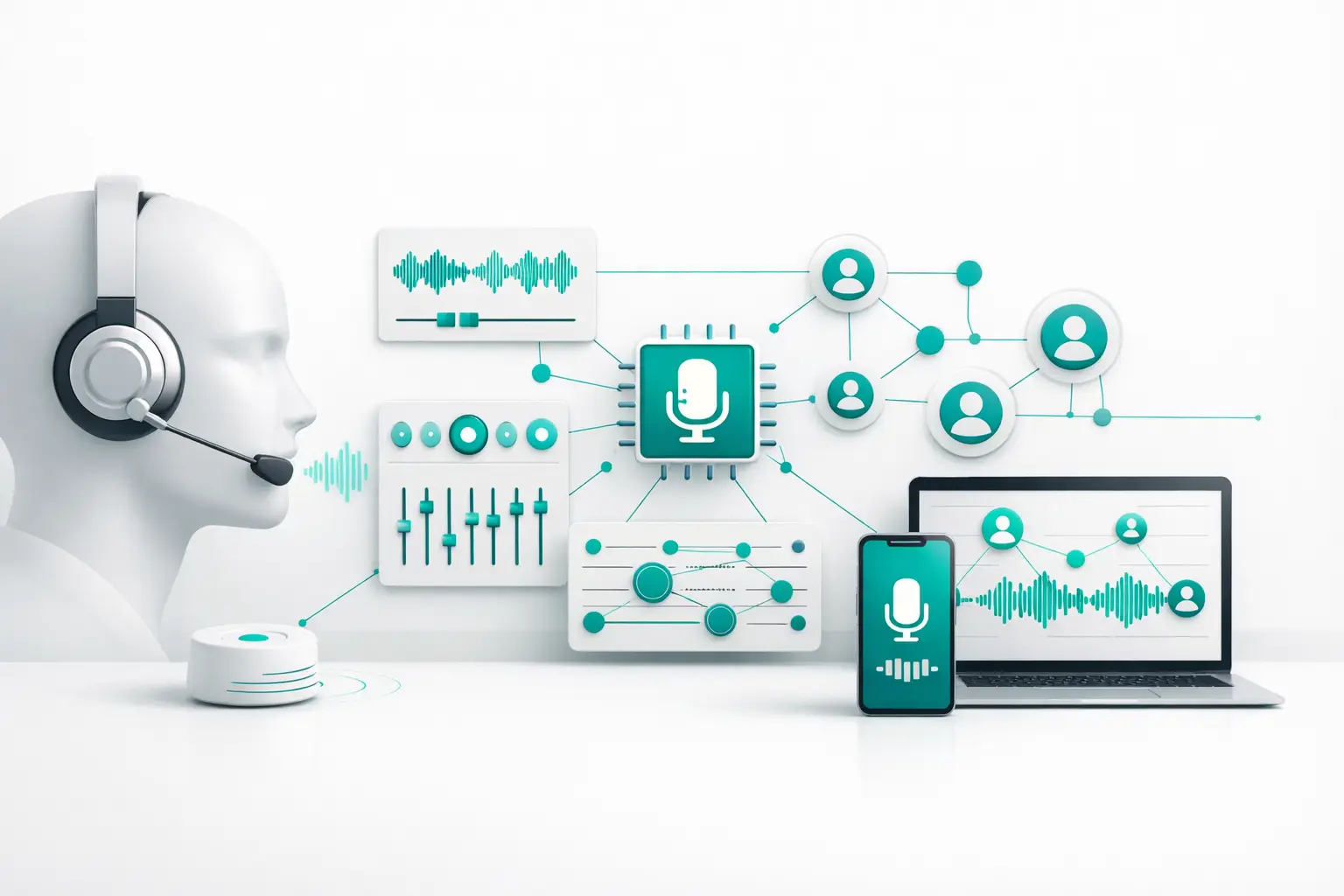
What Is AI Voice Orchestration?
A voice agent can sound impressive in a demo and still fail in production. The usual breakdown is not the model. It is the operating layer around it. That is where the question of what is AI voice orchestration starts to matter. Most teams already understand the agent side. They have a provider for speech and conver...

What a Call Center Reporting Dashboard Should Do
If your team is running voice campaigns, inbound support, follow-up sequences, and AI-assisted conversations across multiple systems, reporting usually breaks first. The call center reporting dashboard becomes a patchwork of carrier logs, CRM fields, dialer metrics, and spreadsheets built to answer questions the sta...
Get new posts by email.
One email a month, no spam, unsubscribe anytime.