
How to Connect Vapi HubSpot the Right Way
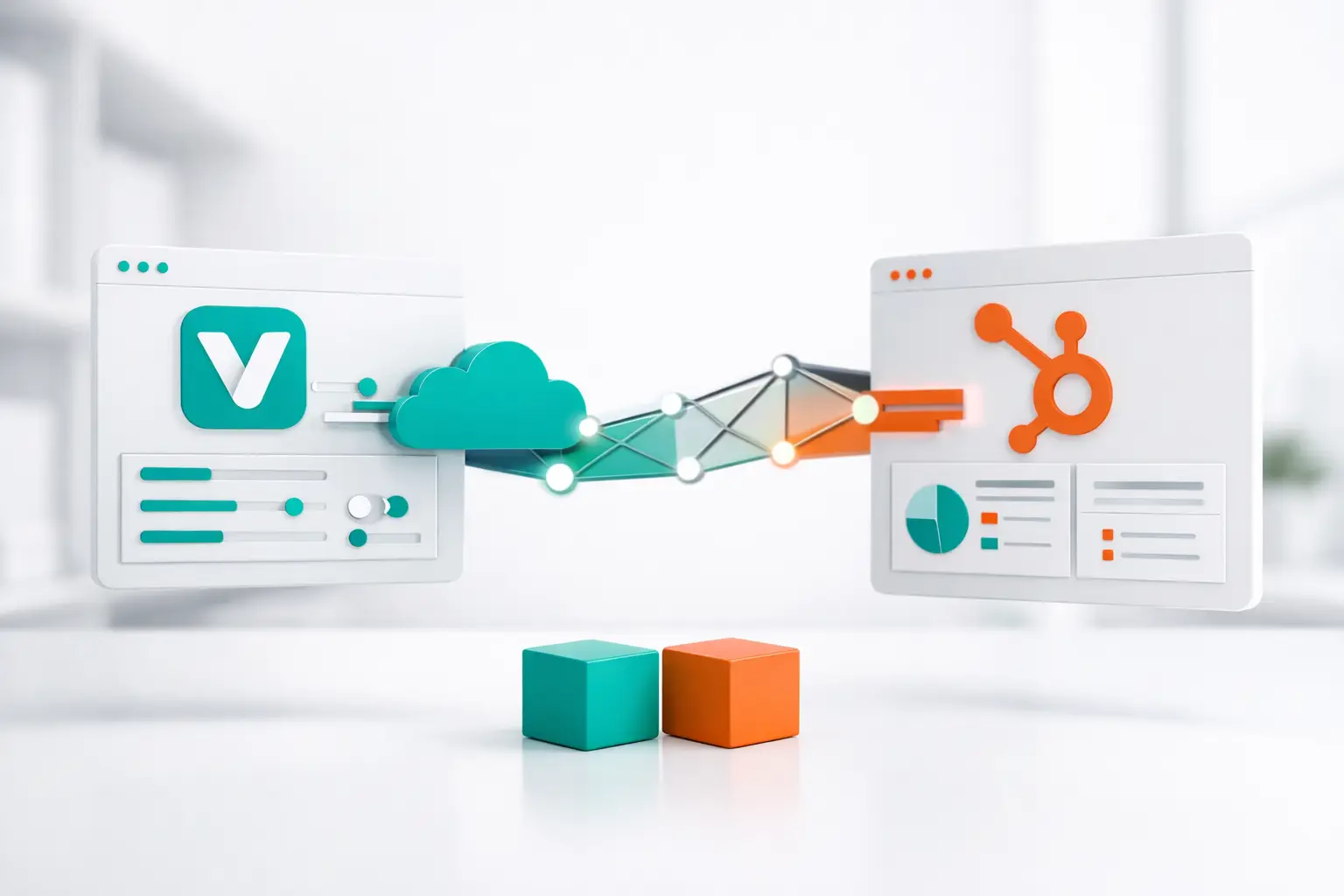
If your AI voice agent is booking calls, qualifying leads, or handling inbound traffic, the question is not just how to connect Vapi HubSpot. The real question is whether that connection will hold up once live traffic starts hitting it. A demo-level integration can create contacts and write a note. A production setup needs call context, routing logic, handoff rules, reporting integrity, and a clean path back into the CRM.
That distinction matters fast. Most teams start with a simple webhook or middleware recipe, get the first few records into HubSpot, and assume the job is done. Then they run into duplicate contacts, missing call outcomes, broken owner assignment, and no consistent way to track what the voice agent actually did. At that point, the integration is no longer a nice-to-have. It becomes operational infrastructure.
How to connect Vapi HubSpot for actual operations
At a basic level, Vapi handles the AI voice interaction and HubSpot holds the customer record, pipeline state, and follow-up workflow. Connecting them means passing the right data in both directions at the right time.
The usual flow starts before the call. HubSpot stores the lead, lifecycle stage, owner, deal status, and often the campaign source. Vapi needs some of that context before the agent speaks so the conversation is grounded in the right record. During and after the call, Vapi generates outcomes such as call status, transcript data, qualification answers, booked appointment details, or escalation triggers. That information needs to land back in HubSpot in a structured way, not as a pile of unsearchable notes.
If you only sync one direction, you lose control. If HubSpot sends contact data to Vapi but Vapi does not reliably return outcomes, reporting breaks. If Vapi writes back call details but has no access to CRM context before the call, the agent works blind. The connection has to support both.
Start with the data model, not the API
Most integration mistakes happen because teams begin with endpoints instead of field mapping. Before you connect anything, define what HubSpot should send into the call flow and what should come back.
For most revenue teams, the outbound data from HubSpot includes contact name, phone number, owner, appointment status, pipeline stage, and source metadata. Depending on the use case, it may also include property-level details for real estate, policy renewal timing for insurance, or service interest for home services.
The inbound data from Vapi usually needs more structure than teams expect. You may want the transcript, but you also need normalized outputs such as whether the call was answered, whether the contact was qualified, whether an appointment was booked, whether a human handoff happened, and what disposition should be applied. If those values are not standardized, your HubSpot automation becomes brittle.
This is where trade-offs show up. Writing the full transcript into a note is easy, but it is hard to report on. Mapping every possible agent response into custom properties gives better reporting, but it requires discipline. In production, the best setup is usually a combination: structured properties for reporting and automation, plus notes or engagement records for context.
The core ways teams connect Vapi and HubSpot
There are three common approaches, and each one fits a different stage of maturity.
The first is a direct custom integration using APIs and webhooks. This gives you the most control. You can pass pre-call contact context from HubSpot into Vapi, trigger outbound calls from workflow events, and write post-call outcomes back into the right contact, company, or deal record. The downside is maintenance. Once you add retries, error handling, field updates, ownership logic, and edge cases around duplicate records, a simple integration turns into an ongoing engineering responsibility.
The second approach is middleware. Teams use automation tools to move data between Vapi and HubSpot without building everything from scratch. This is faster to launch, and for a narrow workflow it can work fine. But middleware often struggles once you need real-time routing, multi-step call logic, conditional handoffs, or consistent reporting across voice, SMS, and email. It is useful for basic sync. It is less reliable as a call operations backbone.
The third approach is to use an orchestration layer that sits between the AI provider and the CRM. That model is better suited for teams running live calling operations because it handles the operational pieces that direct integrations miss: campaign logic, routing, retries, reporting, handoffs, channel coordination, and sync reliability across systems. For operators running Vapi in production, that is usually the difference between an integration and an actual calling stack.
What the workflow should look like
A strong Vapi-HubSpot setup starts with a trigger. That trigger might be a new lead entering HubSpot, a deal reaching a certain stage, an inbound call arriving from a tracked number, or a follow-up sequence event.
From there, HubSpot provides the source of truth for who the person is and why the call is happening. Vapi receives the contact record, relevant custom properties, and any call instructions tied to the use case. The AI voice agent then executes the conversation based on that context.
After the interaction, the system should write back more than a transcript. It should update the contact record, append the call outcome, create or update activities, and trigger the next action. If the lead booked, HubSpot should reflect that immediately. If the lead asked for a callback, the next task should be assigned correctly. If the caller needed a human, the handoff should be logged with enough context for the rep to step in without repeating questions.
That is the real standard. Not just data movement, but workflow continuity.
Common failure points when connecting Vapi and HubSpot
The biggest issue is bad identity resolution. If the integration cannot reliably match the call event to the correct HubSpot record, you get duplicates or updates on the wrong contact. Phone normalization matters here. So does deciding whether phone number, email, or an external ID is the system of record.
The second issue is weak disposition design. Teams often push vague outcomes like completed, failed, or interested back into HubSpot. That is not enough for pipeline management. Sales and service teams need dispositions that map to actual next steps, such as booked, no answer, wrong number, transferred, follow-up requested, or disqualified.
The third issue is timing. Real-time updates matter when workflows depend on them. If your agent books an appointment but HubSpot updates fifteen minutes later, ownership logic, follow-up sequences, and reporting can all drift.
Then there is the reporting gap. A lot of integrations technically work but leave operators with no usable dashboard for answer rates, transfer rates, booking rates, or agent performance by campaign. HubSpot can store outcomes, but it is not always the right place to manage the full call operations layer by itself.
When direct integration is enough and when it is not
If you are running a low-volume workflow with one agent, one phone path, and simple contact updates, a direct Vapi to HubSpot connection may be enough. For example, an inbound receptionist that creates contacts and logs summaries can be relatively straightforward.
It changes when you add outbound campaigns, multi-touch sequences, human escalation, or multiple channels. At that point, you are not just connecting software. You are coordinating operations. The system has to decide when to call, who to route to, what to log, how to retry, and how to keep CRM state clean across every touchpoint.
That is where many teams hit the wall with custom logic. The initial build works, but the maintenance burden grows every time the campaign changes, the CRM schema evolves, or the call flow needs a new branch. This is why infrastructure-minded operators often put an orchestration layer between Vapi and HubSpot instead of forcing each system to do jobs it was not designed to own.
A better way to think about the connection
The most useful way to think about how to connect Vapi HubSpot is not as a single integration project. Think of it as a control plane for customer conversations.
HubSpot should remain the CRM system of record. Vapi should remain the voice intelligence and conversation engine. But something has to govern the operational layer between them, especially if calls tie into SMS, email, web chat, or agent handoff workflows. Without that layer, every new branch in your process turns into another patch.
This is where platforms like VoiceUni fit naturally for teams that want to keep Vapi and HubSpot but remove the brittle plumbing. Instead of asking your team to maintain custom logic between AI voice, telephony, CRM records, routing rules, and follow-up channels, you centralize the workflow and keep the underlying tools in place.
Build for the call after the first call
The first successful sync is not the finish line. The real test is what happens after the interaction. Can the system trigger the next step without manual cleanup? Can sales see what happened without opening five tools? Can your managers trust the reporting enough to adjust campaigns confidently?
That is the standard worth building toward. A Vapi-HubSpot connection should not just move data. It should make the next conversation better, faster, and easier to manage.
More from the VoiceUni Blog.

Can AI Agents Handle Call Transfers Well?
A lead calls in, gets through qualification, asks one billing question, and the whole interaction falls apart at the handoff. That is where teams usually stop asking whether the bot sounded human enough and start asking the real operational question: can AI agents handle call transfers? The short answer is yes, but ...
What Is AI Voice Orchestration?
A voice agent can sound impressive in a demo and still fail in production. The usual breakdown is not the model. It is the operating layer around it. That is where the question of what is AI voice orchestration starts to matter. Most teams already understand the agent side. They have a provider for speech and conver...

What a Call Center Reporting Dashboard Should Do
If your team is running voice campaigns, inbound support, follow-up sequences, and AI-assisted conversations across multiple systems, reporting usually breaks first. The call center reporting dashboard becomes a patchwork of carrier logs, CRM fields, dialer metrics, and spreadsheets built to answer questions the sta...
Get new posts by email.
One email a month, no spam, unsubscribe anytime.