
How to Automate Lead Callbacks Without Losing Speed
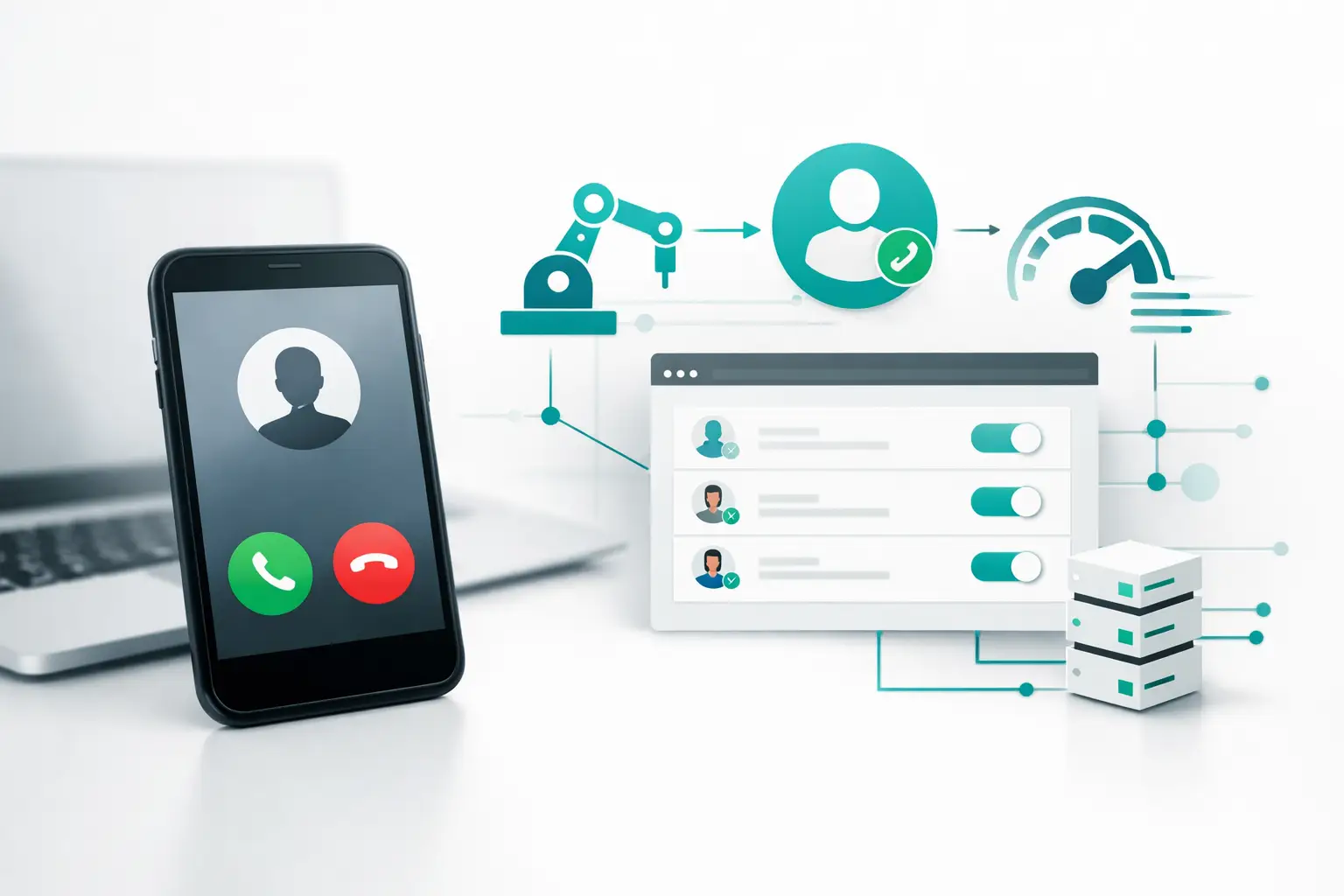
A new web lead is not a task for the next available rep. It is a live revenue event. The longer a prospect waits, the more likely they are to compare providers, stop responding, or forget why they submitted the form. To automate lead callbacks effectively, you need more than a timer that starts a call. You need an operating workflow that decides who calls, what happens when they do not answer, where the outcome is recorded, and when a human takes over.
For solar teams, insurance agencies, mortgage operators, and home service businesses, callback speed often separates booked appointments from wasted spend. The problem is that most callback workflows are assembled from forms, CRM rules, telephony tools, spreadsheets, and disconnected notifications. They work until lead volume rises, a routing rule changes, or an integration fails without anyone noticing.
Why fast callbacks fail in practice
Most teams know they should respond quickly. The failure is usually operational, not strategic. A lead arrives in a form platform or CRM, but the record takes several minutes to sync. A rep receives a notification but is already on another call. An AI agent places the first call but the outcome does not write back correctly. Then the lead is placed into the wrong nurture sequence, or worse, called again by a different team.
A callback system also has to account for lead context. A prospect who requested a roofing estimate should not receive the same opening as someone who asked for a life insurance quote. A returning lead should not be treated as net new. A person who schedules online should exit the call sequence immediately. These rules are difficult to enforce when each channel and vendor keeps its own version of the customer record.
The objective is not simply to place more calls. It is to create a dependable first-response process that turns qualified, permissioned inbound interest into the right next step.
Automate lead callbacks as an event-driven workflow
The most reliable setup begins with the lead event, not the dialer. Every inbound source should send a standardized record into a central operational layer. That record needs enough data to determine the next action: source, campaign, service area, product interest, preferred contact details, ownership, and current lifecycle stage.
From there, the workflow should make a clear decision. Is this lead eligible for immediate follow-up? Is a human owner available? Does this campaign use an AI voice agent for initial qualification? Has the lead already booked, opted out, or entered an active conversation elsewhere?
If the answer is yes, the callback action should begin immediately. If not, the record should be routed to the right queue with a visible reason. That distinction matters. A lead awaiting a call because a rep is assigned is very different from a lead excluded because it is a duplicate or already scheduled.
Start with a clean trigger
A good trigger has one job: recognize a new or newly qualified lead and pass the right data forward. Avoid building separate logic for every source inside every tool. Normalize fields once, then use the same campaign and routing rules across your inbound forms, CRM, paid lead sources, and partner feeds.
For example, a solar operator may receive leads from landing pages, inbound calls, and a licensed lead partner. Each source can have different fields and response requirements. A normalized workflow maps them into one contact record, assigns the correct campaign, and retains the source data for reporting. The calling team sees what the prospect asked for, rather than a generic contact card with a phone number.
Route by capacity, not just ownership
Traditional CRM assignment rules often route every record to a named rep. That works for low volume, but it creates a bottleneck when the owner is unavailable. Callback automation should account for live capacity, business hours, skill requirements, geography, and escalation rules.
A practical model uses a primary owner first, then a team queue or AI agent when that owner cannot respond within the defined service window. For complex conversations, the AI agent can verify intent and gather basics before transferring to an available specialist. For straightforward appointment-setting, it may complete the booking flow directly.
This is not an argument for replacing human sales teams. It is a way to prevent a high-intent prospect from sitting in a queue because a single rep missed a notification.
Design for unanswered calls
The first attempt will not reach every lead. That is expected. What matters is that the next action is deliberate and coordinated.
A callback sequence might place an initial call, record the attempt in the CRM, and trigger an approved alternate channel based on the lead's stated preferences and campaign rules. If the prospect replies by text or email, the outbound call sequence should recognize that activity. If they answer a webchat message, the assigned rep should see the full conversation before calling.
Without cross-channel state management, each system keeps working independently. The result is duplicate outreach, confused prospects, and reporting that cannot explain what actually happened. A unified workflow treats every interaction as part of one conversation, even when the channel changes.
Build the callback sequence around the outcome
Time delays alone do not make a useful follow-up sequence. Each attempt should be based on the outcome of the last one.
If the lead answers and qualifies, create the appointment, update the opportunity stage, and stop the sequence. If they ask for a call later, schedule the callback for that window and preserve the conversation context. If they reach a voicemail, use the approved follow-up path for that campaign. If the number is invalid, mark it for data review rather than repeatedly sending it back into the queue.
The same logic applies to human handoffs. When an AI voice agent identifies a prospect ready to speak with a closer, the handoff must include the reason for the call, qualification details, campaign source, and any appointment constraints. A warm transfer without context still forces the prospect to repeat themselves. That is a process failure, not a staffing issue.
Make the CRM the record of what happened
Your CRM should show more than that a call occurred. It should reflect the callback timeline: lead received, first response initiated, attempts completed, conversations connected, disposition, appointment status, and next action.
This is where many teams lose visibility. Their dialer may show call activity, their CRM may show pipeline stages, and their messaging tool may show replies. None of them agree on the current status. Revenue operations then spends hours reconciling reports instead of improving the campaign.
Use standardized dispositions and require every automated or human interaction to write back to the same contact and opportunity record. Keep the disposition set practical. Too few options hide meaningful outcomes; too many lead to inconsistent reporting. Most operators need to distinguish contact, qualification, booked appointment, follow-up requested, no response, wrong number, and disqualified status.
For AI-led workflows, store the transcript or structured call summary alongside the result. Managers should be able to review why an appointment was booked, why a transfer failed, or why a lead was marked unqualified without switching between vendors.
Measure the gaps that cost appointments
Callback automation should be managed like a revenue system. Track lead-to-first-attempt time, first-attempt-to-contact rate, contact-to-appointment rate, transfer success rate, and the percentage of leads that receive no response within the service target.
Segment those results by source, campaign, geography, time of day, and routing path. A campaign can look healthy overall while one source produces slow callbacks or one queue misses after-hours leads. The data should expose operational failures early.
Also measure the difference between automated and human-handled paths. An AI agent may contact more leads quickly, while human reps may convert certain high-value inquiries at a stronger rate. The right answer depends on lead quality, complexity, available capacity, and the conversation required to earn the appointment. Automation should improve the handoff between speed and expertise, not force every lead into the same path.
The infrastructure layer matters
A callback workflow becomes fragile when each new requirement requires another point integration. Add a new lead source, and someone builds a webhook. Change a CRM field, and campaign logic breaks. Add an AI provider or carrier, and reporting splits again.
VoiceUni is built to operate as the infrastructure layer between AI voice agents, carriers, CRMs, lead sources, and messaging channels. Instead of rebuilding the workflow around every vendor, operators can coordinate routing, campaign rules, human handoffs, CRM sync, and reporting in one operating environment while keeping the existing AI agent and data stack.
That approach is especially useful for teams running multiple campaigns or locations. The same callback standards can apply across voice, SMS, email, webchat, WhatsApp, Telegram, and social DMs, while each campaign retains its own routing and qualification rules.
A lead callback system earns its value in the minutes after intent appears. Build it so the next action is clear, the conversation has context, and no one has to hunt through five tools to find out what happened.
More from the VoiceUni Blog.

What Drives Solar Appointment Booking Results
A solar operator booking 150-plus appointments in a single week is not winning because it found a magic script. It is winning because its lead response, qualification, routing, follow-up, and reporting are operating as one system. Solar appointment booking results are usually decided in the handoffs between those st...

AI Phone Number Reputation Guide for Call Teams
A campaign can have clean data, a capable AI voice agent, and a well-built follow-up sequence, yet still underperform for one basic reason: the originating phone number has lost trust. This AI phone number reputation guide is for operators who need to protect answer rates before poor number health turns into a pipel...

AI Contact Center Software Review for Operators
An AI contact center software review should start where most evaluations fail: the live workflow, not the demo. A voice agent that can hold a convincing conversation is only one component. Revenue operations still need the right lead data, approved contact rules, routing logic, carrier capacity, CRM updates, human e...
Get new posts by email.
One email a month, no spam, unsubscribe anytime.