
Does AI Calling Need CRM Sync? Usually, Yes
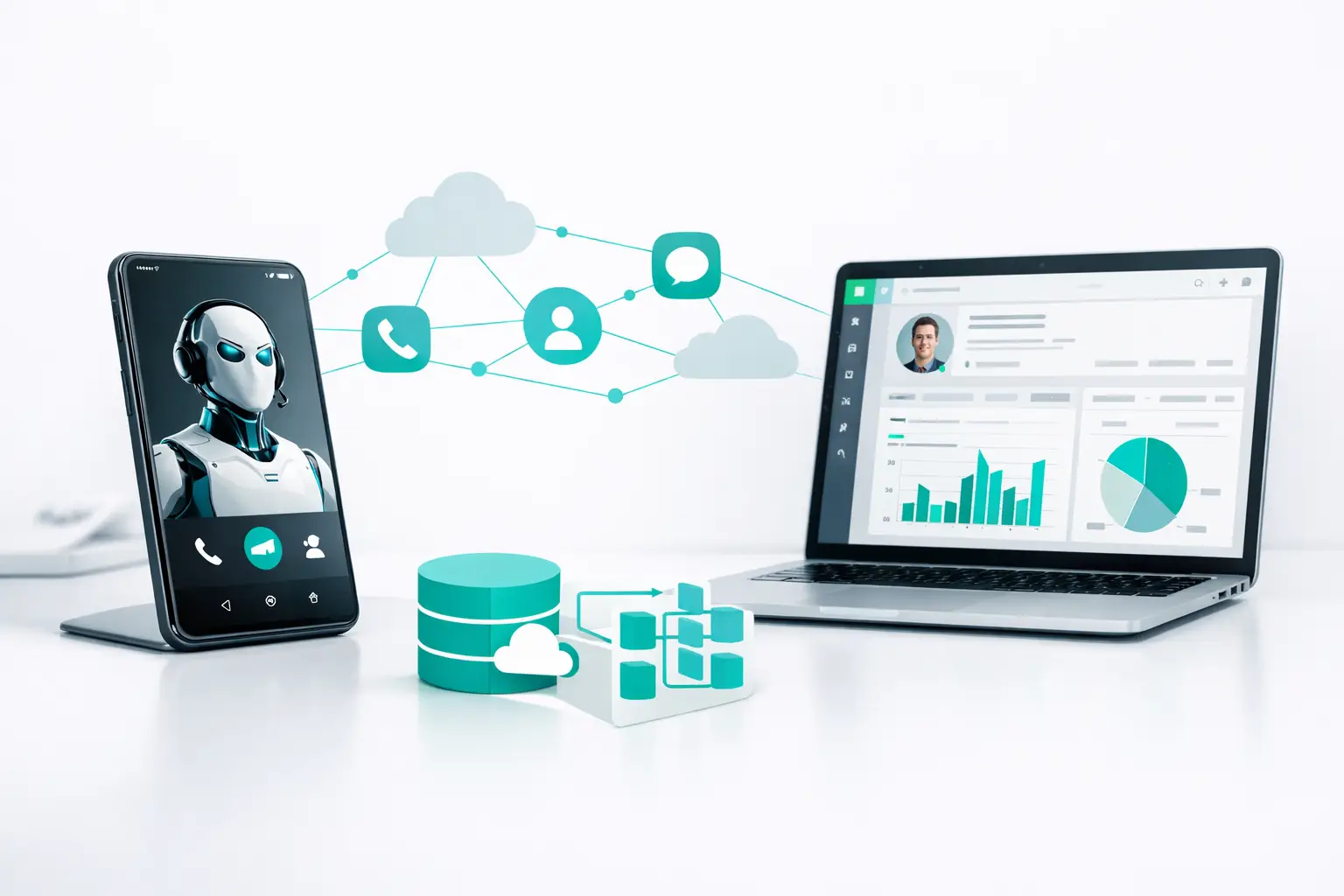
An AI voice agent can complete a strong qualification call, schedule a meeting, and capture every objection. But if the outcome never reaches the CRM, the sales team is still working blind. That is why the answer to does AI calling need CRM sync is usually yes - not because every call requires a full two-way integration, but because revenue operations require a reliable system of record.
The real question is not whether to connect an AI caller to a CRM. It is what data must move, when it must move, and which system owns the next action. Get that wrong and an AI calling program becomes another isolated tool with impressive call logs and unreliable business results.
Does AI Calling Need CRM Sync for Every Workflow?
Not every AI calling workflow needs the same depth of CRM synchronization. An AI receptionist handling a simple inbound question may only need to look up a customer record and create a ticket when escalation is required. An outbound appointment-setting campaign, by contrast, needs the CRM or lead system involved before, during, and after the call.
CRM sync becomes essential when calls affect lead ownership, pipeline stages, appointment booking, follow-up timing, customer history, or reporting. Those are not optional details. They determine whether a contact gets the right experience and whether the business can measure what the calling operation actually produced.
Consider a solar operator working a fresh lead queue. Before an AI agent calls, it needs the right contact details, source, territory, prior activity, and eligibility fields. After the call, the system must write back the disposition, qualification answers, appointment status, callback time, recording reference, and next task. If the lead books, the calendar event and pipeline stage must reflect that immediately. Without that loop, reps may call an already-booked prospect, managers cannot trust conversion reporting, and lead response speed loses its value.
The same principle applies to insurance, mortgage, home services, and agency operations. Calls are not just conversations. They are workflow events.
CRM Sync Is an Operational Requirement, Not a Checkbox
Many teams treat CRM integration as a basic feature question: Can the dialer connect to HubSpot or Salesforce? That is too shallow. A connection that only creates a note after a call may be technically functional while failing the operation.
Production AI calling needs event-level coordination. The calling platform should know whether a record is callable, who owns it, what stage it is in, what sequence is active, and whether a human needs to take over. The CRM should know what happened on the call, what the AI learned, and what should happen next.
This is where point-to-point integrations often break down. One tool updates a contact field. Another sends a text. A calendar tool books an appointment. The AI voice provider stores the transcript. A third-party automation attempts to join the pieces together. When a webhook fails, a field changes, or a campaign is paused, the team starts reconciling records manually.
That is not a scaling problem. It is an infrastructure problem.
A proper orchestration layer coordinates the AI agent, carrier, CRM, campaign logic, routing rules, and follow-up channels from one operational workflow. VoiceUni is designed for this model: businesses keep their existing AI agent, numbers, carrier, CRM, and lead sources while the platform manages how those systems behave together.
What Data Should Sync Between AI Calling and the CRM?
The correct data model depends on the sale cycle, but most revenue teams need more than a final call disposition. They need context before the conversation and usable outcomes after it.
Before the call, the AI agent may need the contact's name, phone number, lead source, campaign, owner, prior calls, appointment history, service area, product interest, and relevant qualification fields. This context prevents generic conversations and helps the agent follow the right routing and escalation logic.
After the call, the CRM should receive a structured outcome. That generally includes the call status, disposition, call timestamp, duration, summary, transcript or recording reference, qualification responses, appointment result, callback request, and next-step task. It may also include a reason code that lets operations teams identify patterns across campaigns.
The key word is structured. A long AI-generated note may be useful for a rep, but it is not enough for reporting or automation. If an agent learns that a prospect wants a weekday afternoon appointment, that should populate the field or booking workflow that drives scheduling. If a homeowner is not a fit, that outcome should suppress irrelevant follow-up sequences and remove the record from the active campaign.
The Cost of One-Way Sync
One-way sync is common because it is easy to launch. Lead data flows from the CRM into the calling system, and the campaign begins. The problem appears after the first meaningful call outcome.
If outcomes do not return to the CRM quickly, the record remains in the wrong stage. Another rep may pick it up. An email sequence may keep running after an appointment is set. A manager reviewing pipeline health sees stale numbers. The customer experiences the company as disorganized, even if the AI conversation itself was excellent.
The reverse problem is just as damaging. If the calling platform does not receive updates from the CRM, it can operate on stale ownership, outdated statuses, or contacts who should no longer be in a sequence. AI agents need current operational context, not a static list exported at the start of the week.
Two-way sync does not mean every field must update continuously. It means each system receives the events it needs to keep the workflow accurate. For some teams, near-real-time updates are necessary for appointment booking and live transfers. For others, scheduled batch updates may be acceptable for low-priority reactivation campaigns. The right choice depends on how quickly a bad handoff creates revenue loss or customer friction.
Build the Sync Around the Next Best Action
The cleanest way to design CRM sync is to work backward from what should happen after each possible call result.
If a prospect qualifies and wants to book, the next action is calendar confirmation, pipeline advancement, and owner notification. If they ask for a callback, the next action is a scheduled task and a controlled re-entry into the right sequence. If they need a specialist, the next action may be a warm transfer or routed handoff with the call context attached. If they are not a fit, the next action is to close or reclassify the record so the campaign does not continue treating them like an open opportunity.
This approach exposes gaps quickly. A team may discover that it has call dispositions but no owner alerts, booked appointments but no attribution, or transcripts but no structured qualification fields. Those gaps are where AI calling performance gets lost between the conversation and the revenue process.
Keep field ownership clear
Decide which system is authoritative for each critical field. The CRM may own lifecycle stage and account owner. The calling platform may own live call status, retry logic, and channel sequence state. The scheduling system may own appointment availability. Conflicting ownership creates duplicate updates and hard-to-debug records.
Use idempotent event handling
Call systems generate multiple events: call initiated, answered, transferred, completed, analyzed, and dispositioned. Your integration should safely handle duplicate events and late-arriving updates. Otherwise, one completed call can create multiple notes, tasks, or stage changes.
Preserve human handoff context
When an AI agent transfers a conversation, the human should not start from zero. Pass the contact record, call summary, qualification details, and reason for transfer into the receiving workflow. A handoff without context is simply a more expensive version of repeating the same questions.
Reporting Is the Strongest Case for CRM Sync
Teams often notice CRM sync failures first in reporting. The AI calling dashboard says 300 conversations were completed. The CRM shows 40 opportunities. The calendar shows 22 meetings. Finance asks which campaign generated revenue, and nobody can confidently connect the records.
A connected operation can answer more useful questions: Which lead sources produce qualified conversations? Which AI call outcomes lead to booked appointments? How long does it take a human team to act on a transfer? Which campaigns generate pipeline, not just call volume? Where do leads stall after the AI interaction?
Those answers require common identifiers and consistent outcome definitions across systems. If one platform calls a result "interested" while the CRM uses "qualified" and the sales team uses "appointment set," reporting becomes a translation exercise. Define the stages and dispositions before scaling volume.
When a Lightweight Setup Is Enough
There are cases where a full CRM integration is not the first priority. A small business testing an inbound AI receptionist may start with a shared inbox, calendar, and basic lead capture. A short-term campaign may use a controlled lead file and export results for review. That can be reasonable during validation.
But treat it as a test environment, not the final architecture. Once call volume increases, multiple team members touch records, or follow-up happens across voice, SMS, email, and chat, manual reconciliation becomes a hidden operating cost. The team spends time fixing records instead of improving conversion rates.
The most practical standard is simple: if a call outcome changes what your business should do next, that outcome belongs in the system that controls the next action.
AI calling does not need CRM sync merely to look integrated. It needs the right sync so every conversation produces an accountable next step, a clean customer handoff, and a record your team can trust.
More from the VoiceUni Blog.

What Drives Solar Appointment Booking Results
A solar operator booking 150-plus appointments in a single week is not winning because it found a magic script. It is winning because its lead response, qualification, routing, follow-up, and reporting are operating as one system. Solar appointment booking results are usually decided in the handoffs between those st...

AI Phone Number Reputation Guide for Call Teams
A campaign can have clean data, a capable AI voice agent, and a well-built follow-up sequence, yet still underperform for one basic reason: the originating phone number has lost trust. This AI phone number reputation guide is for operators who need to protect answer rates before poor number health turns into a pipel...

AI Contact Center Software Review for Operators
An AI contact center software review should start where most evaluations fail: the live workflow, not the demo. A voice agent that can hold a convincing conversation is only one component. Revenue operations still need the right lead data, approved contact rules, routing logic, carrier capacity, CRM updates, human e...
Get new posts by email.
One email a month, no spam, unsubscribe anytime.