
How to Set Human Handoff for AI Voice Agents
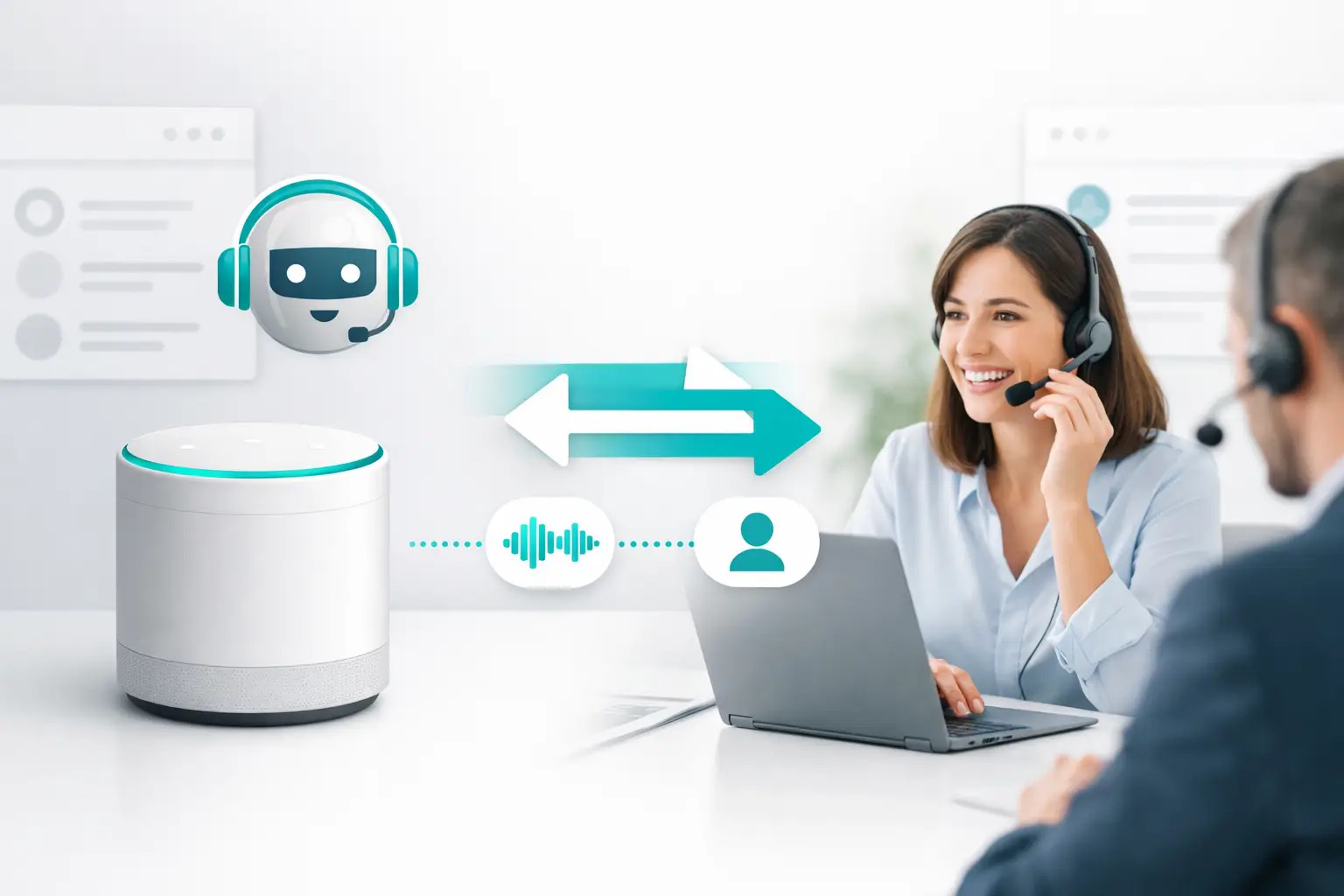
An AI voice agent can qualify a homeowner, confirm service needs, and find an appointment slot in seconds. But when the caller asks for a pricing exception, disputes a prior service issue, or simply wants a person, the workflow is only as strong as the next step. Knowing how to set human handoff determines whether that moment becomes a booked appointment, a resolved case, or another abandoned call.
Human handoff is not a fallback button. It is a routing workflow with defined triggers, ownership, context, availability rules, and reporting. Treat it that way from the start. Otherwise, the AI agent may perform well at the top of the conversation while your team inherits cold transfers, incomplete records, and no visibility into what happened next.
Start With the Outcome, Not the Transfer
Before configuring a handoff, define what the human recipient is expected to do. A sales closer may need to take over a high-intent call and secure a deposit. A customer support specialist may need to resolve an account problem. An on-call dispatcher may only need to confirm an urgent service window.
Those are different workflows. They require different queues, different data, and different success metrics. Sending every escalated call to one generic team creates avoidable delays and makes performance impossible to diagnose.
For each handoff path, document three decisions: who owns the conversation, what action they should take, and what should happen if they are unavailable. This gives your AI agent a clear operational boundary instead of asking it to make routing decisions from vague instructions.
Define the Triggers for Human Handoff
The best handoff rules combine explicit caller requests with business conditions. Explicit requests are straightforward: the caller asks to speak with a representative, manager, technician, or licensed specialist. Business conditions require more discipline because they depend on your sales process, support policy, and risk tolerance.
Common triggers include:
- The caller directly requests a human or refuses to continue with automation.
- The AI identifies a high-value opportunity that requires a closer or specialist.
- The conversation reaches a service, billing, complaint, or technical issue outside the agent's approved scope.
- The agent has failed to understand the caller after a defined number of attempts or cannot confidently complete the requested task.
Avoid using a single trigger such as sentiment alone. Frustration can signal a real escalation, but it can also reflect a caller who needs a clearer explanation. Pair sentiment signals with concrete conditions, such as repeated questions, failed verification, a stated request for help, or a workflow the AI cannot complete.
Set a threshold for uncertainty as well. If an agent is guessing, it should not keep the caller in a loop. A controlled handoff is better than a confident-sounding but incorrect answer.
Separate urgent from routine escalations
Not every escalation deserves the same route. A missed appointment may go to a customer service queue. A possible emergency repair request may need an urgent dispatch workflow. A qualified commercial lead may require immediate routing to a designated sales rep.
This is where many deployments break down. Teams configure a transfer number but do not define priority. The result is that a high-intent caller lands in the same queue as a routine follow-up. Build priority into the routing logic so the handoff reflects the commercial value and operational urgency of the call.
Build Routing Rules Around Real Availability
A human handoff should never depend on a single person answering every time. Use queue rules that account for business hours, rep schedules, skill groups, geographic coverage, and backup paths.
During staffed hours, the AI can transfer to the appropriate live queue. If no one answers within the configured window, the system should try the next eligible team member or route to a callback workflow. After hours, the agent should set expectations clearly, capture the right information, and create the follow-up task in the system your team actually works from.
The right timeout depends on the use case. For a hot inbound lead, a short ring window with a fast backup route is usually appropriate. For a support queue where agents are already handling active cases, a slightly longer window may prevent unnecessary bouncing. Test against real answer rates rather than choosing an arbitrary number.
Also account for channel changes. A caller may begin on voice but prefer an appointment confirmation by text or email. The handoff record should preserve the approved communication preference and make the next action visible across the team. VoiceUni supports this type of cross-channel orchestration so voice, SMS, email, webchat, and other conversations operate from the same workflow rather than separate tool stacks.
Pass Context Before the Human Says Hello
A transfer without context forces the caller to repeat themselves. That damages trust, increases handle time, and makes the AI look like a detour instead of a useful first line of response.
Your handoff payload should give the receiving person enough information to act immediately. At minimum, include the caller's name and contact details, call reason, qualification answers, relevant account or lead record, appointment information, transcript or concise AI summary, and the trigger that caused the escalation.
A summary matters more than a raw transcript in the first seconds of a transfer. A rep should be able to see: “Caller owns a home in Mesa, wants a solar quote, has a $220 average utility bill, and requested a human after asking about financing.” They can then open with the next relevant question instead of restarting discovery.
The AI should also introduce the transfer correctly. It can tell the caller who they are being connected to and why. It should not promise an outcome the receiving team cannot deliver. Clear expectation-setting reduces disconnects while the transfer is in progress.
Keep CRM updates tied to the call event
Do not rely on reps to manually reconstruct the conversation later. Create or update the CRM record when the handoff occurs, then log the outcome after the human interaction. The transfer itself should be an observable event with a timestamp, queue, recipient, trigger, and disposition.
This matters for more than reporting. It lets revenue operations identify whether a problem is caused by AI qualification, routing logic, staffing coverage, or follow-up execution. Without event-level data, every weak result gets labeled an “AI issue,” even when the real problem is an unanswered queue or an outdated ownership rule.
Configure the Failure Paths
A handoff is incomplete until you decide what happens when the preferred destination cannot take the call. Failure paths protect the caller experience and keep high-value conversations from disappearing into voicemail.
Use a clear escalation sequence: primary queue, qualified backup queue, callback capture, then a tracked follow-up task. For some businesses, the right final step is a scheduled return call rather than another live transfer. That is especially true when a specialist must review documents, availability, or service history before responding.
Make the AI's behavior conditional on the route result. If a live rep answers, provide a brief transfer statement and connect the call. If the queue times out, the agent should return to the caller, explain the next available option, and collect any missing details needed for follow-up. Silence and blind transfers are not acceptable operational outcomes.
Test Handoff Like a Production Workflow
Do not validate human handoff with one successful test call. Test the conditions that expose weak routing: a rep who does not answer, an after-hours caller, a caller with incomplete CRM data, a call that needs a specialist, and a second transfer after the first destination fails.
Review whether the human received the correct context, whether the CRM record updated correctly, and whether the caller heard a clear explanation at each step. Test with real phone numbers, real queues, and actual operating hours. Sandbox logic often looks correct until carrier behavior, queue settings, or CRM field mappings enter the picture.
You should also listen to transferred calls. Metrics will show transfer completion, but recordings reveal whether the transition felt organized. If human reps repeatedly ask the same questions the AI already captured, the issue is not the agent's script. It is the context design.
Measure What Happens After the Transfer
A high transfer rate is not automatically bad. It may mean the agent is correctly identifying complex requests. The meaningful question is whether transferred conversations reach the right person and produce the intended result.
Track transfer rate by trigger, connection rate, time to answer, abandoned-transfer rate, callback completion, and downstream outcomes such as appointments booked, cases resolved, or opportunities created. Segment these metrics by campaign, queue, agent version, and time of day.
Look for patterns. If transfers spike after a specific question, improve the agent's explanation or adjust the trigger. If one queue has poor answer rates, fix staffing or reroute it. If a particular AI provider or carrier path creates inconsistent transfers, investigate the integration before changing the conversation design.
The goal is not to minimize human involvement at all costs. The goal is to make every handoff deliberate. When the AI handles repeatable work and humans receive the conversations that need judgment, your team spends less time recovering context and more time moving revenue, service, and customer relationships forward.
More from the VoiceUni Blog.

What Drives Solar Appointment Booking Results
A solar operator booking 150-plus appointments in a single week is not winning because it found a magic script. It is winning because its lead response, qualification, routing, follow-up, and reporting are operating as one system. Solar appointment booking results are usually decided in the handoffs between those st...

AI Phone Number Reputation Guide for Call Teams
A campaign can have clean data, a capable AI voice agent, and a well-built follow-up sequence, yet still underperform for one basic reason: the originating phone number has lost trust. This AI phone number reputation guide is for operators who need to protect answer rates before poor number health turns into a pipel...

AI Contact Center Software Review for Operators
An AI contact center software review should start where most evaluations fail: the live workflow, not the demo. A voice agent that can hold a convincing conversation is only one component. Revenue operations still need the right lead data, approved contact rules, routing logic, carrier capacity, CRM updates, human e...
Get new posts by email.
One email a month, no spam, unsubscribe anytime.