
Which CRM Supports Voice Agents? What to Look For
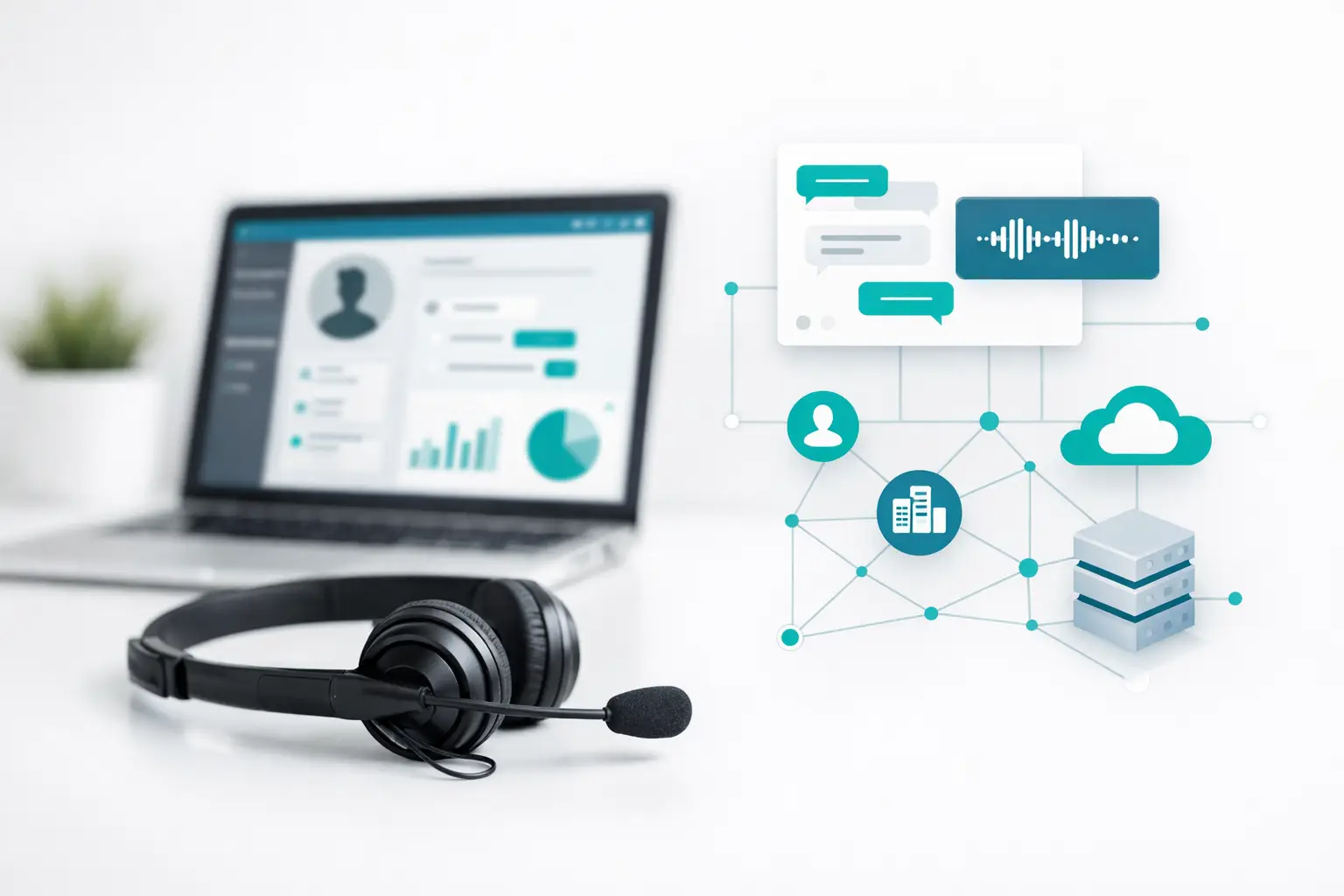
A voice agent can answer a call, qualify a lead, and book a meeting in minutes. But if the outcome lands in the wrong record, fails to trigger follow-up, or never reaches the sales team, the call did not move the operation forward. That is the practical answer behind the question, which CRM supports voice agents: the right choice is not just a CRM with a dialer integration. It is one that can reliably receive, organize, and act on voice-agent data across the full customer lifecycle.
For teams in solar, insurance, home services, real estate, and agency operations, this distinction matters fast. AI voice creates more conversation volume. The CRM and surrounding call infrastructure determine whether that volume becomes appointments, pipeline, and closed revenue.
Which CRM supports voice agents in production?
Most established CRMs can support voice agents through integrations or an orchestration layer. Salesforce, HubSpot, HighLevel, Zoho CRM, Microsoft Dynamics 365, and Pipedrive are all viable systems of record for AI calling workflows. The real difference is not whether a connector exists. It is how well the CRM handles contact matching, activity logging, ownership, pipeline movement, automation triggers, reporting, and handoff when the agent reaches a decision point.
Few CRMs are built to operate AI voice agents natively as a contact center does. A CRM may store transcripts and call dispositions, but it typically does not manage carrier failover, number health, complex routing, progressive campaigns, multi-channel sequences, or live transfer logic on its own. That is where many deployments become a collection of disconnected tools.
A better operating model separates responsibilities. The CRM remains the source of truth for contacts, accounts, deals, lifecycle stages, and sales workflows. The voice platform handles calling operations. The AI provider supplies the conversational intelligence. Each layer does its job without forcing your team to build and maintain custom middleware.
What “support” should mean for an AI voice agent
A basic integration that creates a note after a call is not enough. At minimum, the connection should identify the right contact before or during the interaction, write back a structured outcome, and trigger the next approved workflow without manual cleanup.
For example, an inbound insurance lead may call after completing a web form. The voice agent should receive enough context to greet the caller appropriately and qualify the request. Once the call ends, the CRM should reflect the outcome: connected, qualified, appointment booked, follow-up required, or transferred to a licensed team member. The appointment, call recording reference, summary, transcript, tags, and next task should all be tied to the same record.
The same applies to outbound lead follow-up. If an agent confirms interest in a solar consultation, the system should update the opportunity stage and remove that person from the prior sequence. If there is no answer, the next touch should follow the campaign rules rather than create duplicate activities or conflicting messages.
The strongest setups make these updates structured. Free-text summaries are useful for context, but they are weak inputs for reporting and automation. Dispositions, custom fields, stage changes, appointment events, and tags give operations teams something they can measure and use.
How the major CRM options fit voice operations
Salesforce for complex sales and service environments
Salesforce is often the best fit for larger organizations with detailed account structures, multiple teams, complex permission models, or strict reporting requirements. It can hold the full history of an AI voice interaction alongside cases, opportunities, and service workflows.
The trade-off is implementation overhead. Salesforce can support sophisticated voice workflows, but its flexibility often comes with administrative complexity. Teams need clear field mapping, object ownership, automation rules, and a plan for preventing duplicate records. A voice agent integration that looks simple in a demo can become brittle if every exception is handled through custom logic.
HubSpot for marketing-to-sales continuity
HubSpot works well when inbound conversion, lifecycle marketing, and sales follow-up need to share the same operating view. Voice outcomes can update contacts, trigger workflows, create deals, and provide useful context to reps without forcing them to jump between systems.
It is especially practical for teams that need to connect forms, email engagement, booked meetings, and calls into one contact timeline. The limitation is that HubSpot is not a purpose-built call center control plane. Advanced dialing, routing, carrier management, and high-volume campaign controls generally require infrastructure outside the CRM.
HighLevel for agency and local-service workflows
HighLevel is a common choice for agencies, home services operators, and multi-location businesses that need funnels, pipelines, appointment automation, and client-level workspaces in one environment. It is often a natural CRM destination for AI receptionist and lead-response workflows.
Its strength is speed. An agency can stand up a pipeline and automation quickly across multiple clients. The operational question is whether the calling layer can reliably sync the right activity into the right sub-account, campaign, contact, and opportunity. At scale, that routing discipline matters more than the initial setup time.
Zoho, Dynamics, and Pipedrive for specific operating models
Zoho CRM can be a sensible option for cost-conscious teams that want broad CRM functionality and configurable workflows. Microsoft Dynamics 365 fits organizations already standardized on the Microsoft ecosystem, particularly where service and enterprise data governance are central. Pipedrive suits sales teams that want a straightforward deal-focused workflow and quick rep adoption.
All three can support voice agents when the integration handles data reliably. They are less likely to be the complete answer for a multi-channel calling operation. Evaluate them based on the actual fields, workflows, and reporting your team needs after each conversation.
The integration questions that expose weak setups
Ask vendors to walk through a real call, not a diagram. Start with a new lead, a returning customer, a wrong number, a transferred call, a booked appointment, and a call that needs human follow-up. Then inspect what appears in the CRM and what happens next.
A production-ready setup should answer these questions clearly:
- How is a caller matched to an existing contact, account, or opportunity?
- Which outcomes update CRM fields, pipeline stages, and follow-up tasks?
- Can the agent read approved CRM context before the conversation begins?
- How are transcripts, recordings, summaries, and dispositions stored or referenced?
- What happens when a human needs to take over immediately?
- How are duplicate records, failed syncs, and webhook delays identified and corrected?
The last question is frequently ignored. Calling systems produce edge cases: a contact may exist under two phone numbers, a CRM workflow may reject an update, or an agent may complete a call while a record is being edited. If the integration has no reconciliation process, reporting becomes unreliable and reps lose trust in the system.
Do not force the CRM to be the contact center
Many teams buy a CRM integration expecting it to solve voice operations. Then they add an AI provider, a telephony carrier, a separate dialer, automation tools, spreadsheets for campaign lists, and another dashboard for call performance. Each tool may work individually. The failure point is the handoff between them.
A voice operations layer reduces that fragmentation. It connects the AI agent, carrier, CRM, data sources, routing rules, campaigns, and human handoff workflows while allowing the CRM to remain the source of truth. VoiceUni, for example, is designed as that connective layer for teams keeping their existing CRM, numbers, carriers, and AI voice provider rather than replacing the stack.
This model also gives operations leaders a better place to manage live calling concerns. Call routing should not depend on a CRM workflow firing at the right second. Campaign pacing should not require a developer to modify an integration. A failed carrier route should have an operational fallback. Those are contact center responsibilities.
Choose based on your workflow, not a logo list
If your team runs enterprise sales and service processes, Salesforce or Dynamics may be the right CRM foundation. If marketing automation and speed-to-lead are central, HubSpot may be the better fit. If you operate an agency or location-based service business, HighLevel may align more naturally with your client and appointment workflows. For focused sales pipelines, Pipedrive or Zoho may provide the right level of complexity.
The CRM decision should follow the record structure and revenue process you need. The voice-agent decision should follow the conversation design. The infrastructure decision should ensure both systems stay synchronized under real operating conditions.
A voice agent is only as useful as the workflow it completes. Build for the moment after the call: the record updated, the owner notified, the appointment confirmed, the next touch scheduled, and the operation able to prove what happened.
More from the VoiceUni Blog.

What Drives Solar Appointment Booking Results
A solar operator booking 150-plus appointments in a single week is not winning because it found a magic script. It is winning because its lead response, qualification, routing, follow-up, and reporting are operating as one system. Solar appointment booking results are usually decided in the handoffs between those st...

AI Phone Number Reputation Guide for Call Teams
A campaign can have clean data, a capable AI voice agent, and a well-built follow-up sequence, yet still underperform for one basic reason: the originating phone number has lost trust. This AI phone number reputation guide is for operators who need to protect answer rates before poor number health turns into a pipel...

AI Contact Center Software Review for Operators
An AI contact center software review should start where most evaluations fail: the live workflow, not the demo. A voice agent that can hold a convincing conversation is only one component. Revenue operations still need the right lead data, approved contact rules, routing logic, carrier capacity, CRM updates, human e...
Get new posts by email.
One email a month, no spam, unsubscribe anytime.