
Best CRM Voice Integrations for Revenue Teams
 Eugene ChaykoFounder
Editorial note: VoiceUni articles may be drafted with AI assistance and are reviewed by Eugene Chayko before publishing.
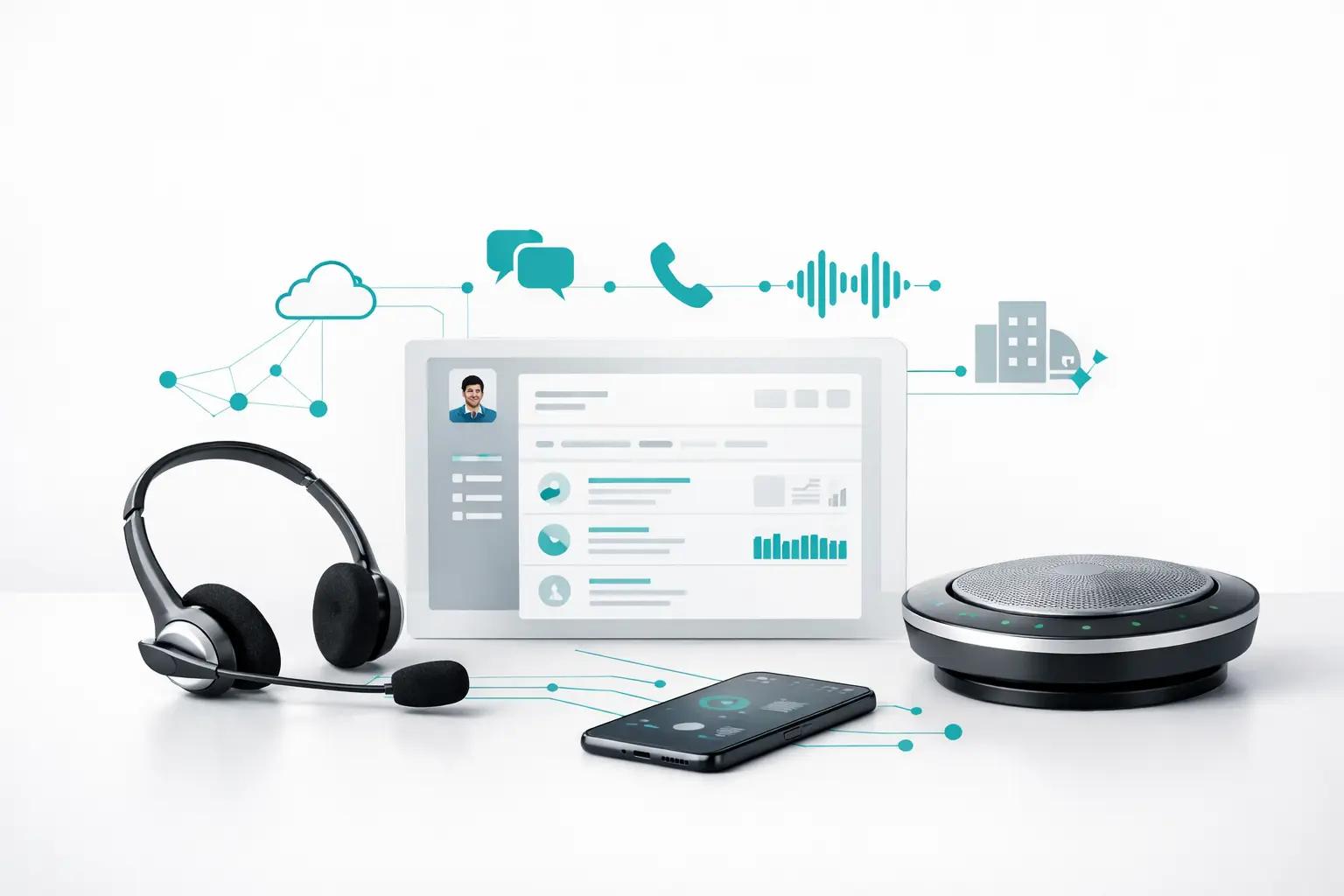
A voice workflow breaks the moment a rep, AI agent, or support operator has to ask, “What happened on the last call?” The best CRM voice integrations do more than log a recording after the fact. They carry contact context into the conversation, route the outcome to the right owner, trigger the next approved action, and give operations a reliable record of what happened.
That distinction matters when calls drive appointments, quotes, underwriting, lead qualification, or customer retention. A disconnected dialer and a basic CRM plug-in may work for a small team. It becomes a liability when multiple campaigns, phone numbers, AI agents, channels, and handoff rules are running at once.
What the Best CRM Voice Integrations Actually Do
A useful integration has to operate in both directions. The CRM should provide the voice layer with the contact, lead source, lifecycle stage, owner, and relevant history before a call begins. The voice layer should return structured outcomes afterward: disposition, transcript, recording reference, appointment status, qualification fields, call duration, and follow-up task.
That is the baseline. Production calling operations need more.
For inbound calls, the system should identify the caller, surface prior conversations, apply business-hour or campaign routing logic, and hand a conversation to a human when the AI agent reaches a defined escalation point. For outbound workflows, it should select contacts based on CRM criteria, respect campaign controls and consent requirements, record outcomes consistently, and stop or change follow-up sequences when a customer converts.
The strongest setups also prevent duplicate activity. If an AI agent books an appointment, the CRM should not leave the lead in a call queue, send a conflicting email sequence, and assign a rep a stale follow-up task. That sounds obvious, but it is where many point-to-point integrations fail.
The Integration Models Worth Comparing
There is no single best architecture for every revenue team. The right model depends on whether your CRM is primarily a system of record, a campaign engine, or the daily workspace for sales and support.
Native CRM Calling Apps
Native calling apps are often the quickest option for teams using HubSpot, Salesforce, or a similar CRM. They can provide click-to-call, activity logging, recording links, and basic disposition syncing with minimal configuration.
This approach is practical when human reps make a manageable volume of calls and the workflow is straightforward. The trade-off is control. Native apps frequently treat voice as an isolated feature rather than an operational layer. Routing, carrier failover, AI handoffs, cross-channel follow-up, and custom campaign logic may require additional tools or development work.
For a sales team that needs call notes and basic reporting, that may be enough. For an insurance agency coordinating new leads, renewal calls, AI qualification, and human transfers, it usually is not.
Telephony APIs Connected Directly to the CRM
A direct connection between a carrier or communications API and a CRM offers more flexibility. Teams can build custom call flows, pass custom fields, write outcomes to proprietary objects, and connect phone events to internal systems.
The trade-off is maintenance. Every new routing rule, CRM field change, AI provider update, or reporting request can become an engineering ticket. When a call is not logged correctly, ownership often becomes unclear: the carrier points to the middleware, the middleware points to the CRM, and the operations team is left rebuilding the timeline manually.
Direct API work is appropriate when the workflow itself is a competitive advantage and the company has engineering capacity to own it long term. It is a poor fit when revenue operations needs to launch campaigns and adjust call logic without waiting on developers.
CRM-Centered Automation Platforms
Some teams use their CRM's workflow builder alongside automation tools to connect calling, email, SMS, calendars, and lead sources. This can produce a workable multi-step sequence without writing much code.
The limitation is that workflow automation is not a contact center. It generally does not manage carrier quality, number health, progressive or predictive dialing, real-time agent availability, complex transfers, or call queue logic. It can move data between systems, but moving data is not the same as operating a calling program.
Use this model for lightweight follow-up and administrative automation. Do not rely on it alone for high-volume calling where uptime, pacing, routing, and outcome quality affect revenue.
Contact Center Infrastructure With CRM Sync
For teams deploying AI voice agents alongside human operators, an infrastructure layer is usually the more durable model. It sits between the CRM, AI voice provider, carrier, lead source, calendars, and messaging tools. Its job is to coordinate the workflow rather than force every system to act as the system of record.
This matters because an AI agent needs more than a webhook to operate reliably. It needs campaign assignment, caller context, routing rules, retry logic where permitted, failover-aware telephony, human escalation paths, and reporting that ties conversations back to revenue outcomes. The CRM remains the customer record. The infrastructure layer runs the conversation operation.
CRM Integrations That Matter by Workflow
The best choice begins with the workflow, not a logo checklist.
A HubSpot-based home services team may need new form fills and paid-lead records to enter an immediate call queue. If the prospect does not connect, the system should update the contact timeline and coordinate the next approved touch across voice, email, and SMS. Once an appointment is booked, the CRM stage, calendar event, ownership, and sequence status should all change together.
A Salesforce organization may need deeper control. Mortgage, real estate, and enterprise sales teams often require custom objects, lead routing by territory, detailed activity records, and reporting across multiple teams. The integration must map outcomes accurately enough that leadership can separate connect rate problems from qualification problems, agent performance issues, and lead-source quality issues.
GoHighLevel agency operators have a different requirement: repeatability. They need client accounts, pipelines, calendars, automations, and call campaigns to work within a standardized operating model while retaining sufficient control over numbers, agents, and data. A plug-in that logs calls but cannot enforce campaign and routing consistency will create support work across every sub-account.
For teams sourcing leads through Apollo, ZoomInfo, forms, or proprietary databases, the key question is not merely whether contacts can be imported. It is whether source metadata stays attached through every call attempt, conversation, disposition, and conversion. Without that lineage, paid acquisition decisions become guesswork.
Evaluate Voice Integrations on Operational Depth
Most vendors can demonstrate a call appearing in a CRM timeline. That is not a serious evaluation standard. Ask how the system handles real operating conditions.
First, inspect data behavior. Can it create and update contacts without duplicates? Can it map custom fields and lifecycle stages? Does it retain campaign, agent, number, and lead-source attribution? Can your team define outcome schemas that match how the business actually qualifies leads?
Then inspect routing behavior. Can the platform route by location, business hours, language, campaign, lead status, or agent availability? Can an AI voice agent transfer a live call with the customer context intact? Can a human operator see what the agent already asked and what the customer answered?
Reporting is the third test. Revenue teams need more than total dials and minutes. They need visibility into answer rates, qualified conversations, booking rates, transfer outcomes, follow-up completion, conversion by source, and performance by campaign. If the call platform and CRM report different totals, the team needs a clear rule for reconciling them.
Finally, test resilience. Voice operations depend on phone numbers, carrier routes, webhooks, APIs, and AI providers. A practical integration plan accounts for failures: what happens if a provider is unavailable, a CRM update is delayed, or a transfer destination does not answer? The right answer is documented workflow behavior, not “we can investigate it.”
Where AI Voice Changes the Requirements
AI voice agents raise the bar because they create more conversations, more quickly, across more scenarios. That volume is useful only if the surrounding systems can control and learn from it.
An AI agent should receive current CRM context rather than work from a stale spreadsheet. Its results should return as structured CRM updates rather than a transcript someone must review later. Human handoff should be intentional, with reason codes and context. Campaign managers should be able to compare agent outcomes against lead source, script version, time window, and next-step completion.
VoiceUni is built for this layer of work. It lets operators keep their existing AI agent, carrier, phone numbers, CRM, and data sources while coordinating voice, SMS, email, webchat, WhatsApp, Telegram, and social messaging within one operating framework. That is materially different from replacing a CRM or adding another isolated dialer.
Choosing the Right Fit
Choose a native CRM voice app when calling is simple and reps mainly need call logging. Choose a direct API build when you have a durable engineering team and highly specialized workflows. Choose an orchestration layer when AI agents, human teams, multiple carriers, campaigns, and channels must operate as one system.
The most valuable CRM voice integration is rarely the one with the longest marketplace listing. It is the one that preserves context, enforces the next step, and gives your team a trustworthy operating picture after thousands of conversations - not just after a polished demo.
Want the next dialer guide in your inbox?
One operator email a month. No spam. Unsubscribe anytime.